
In this article, we’ll review the top remote desktop applications for Windows and Mac, outlining their pros and cons to help you choose the right solution for your needs.
1. RDS/RDP CAL Connection
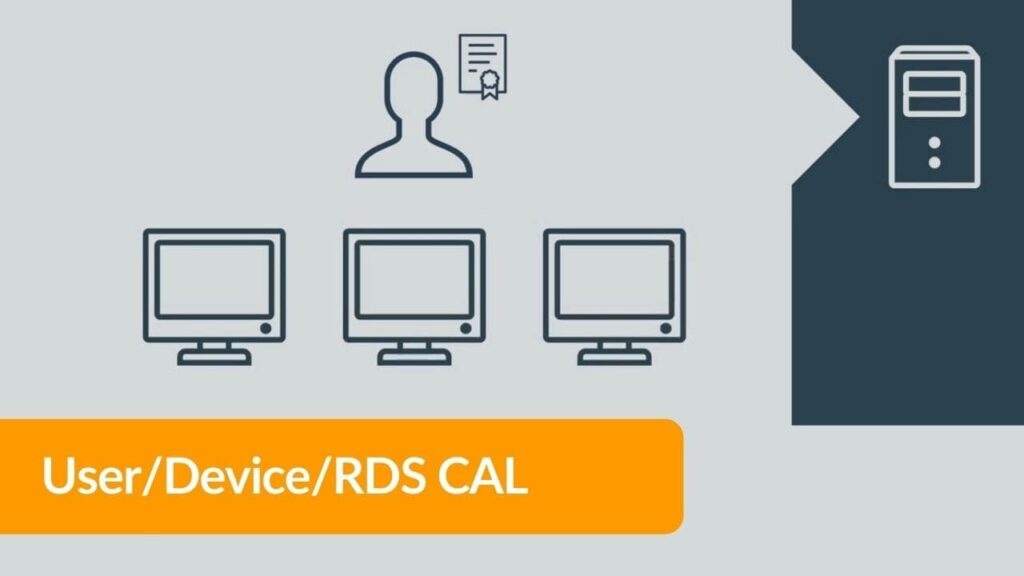
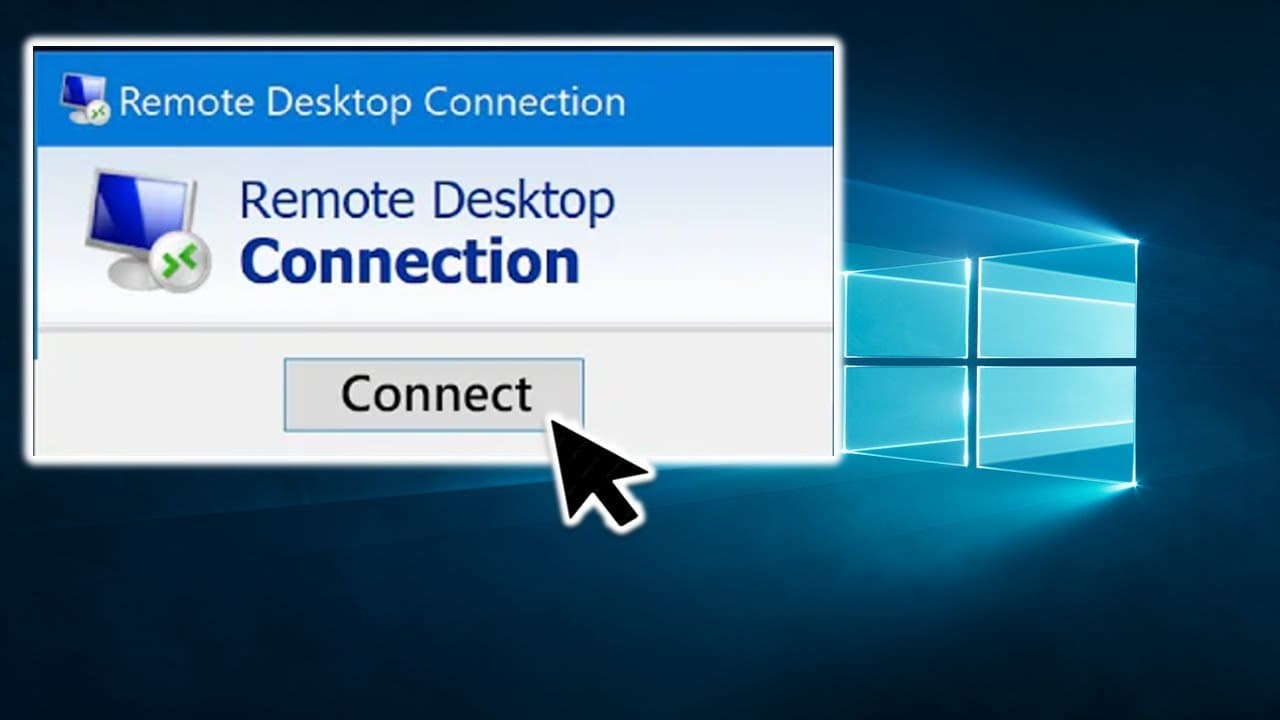
Remote Desktop Services (RDS) or Remote Desktop Protocol (RDP) enables users to connect remotely to Windows desktops. It’s a convenient way to access applications and files on a remote server. RDS CAL (Client Access License) is required for legal use.
Pros:
— High security level.
— Integration with Active Directory.
— Multi-monitor support.
Cons:
— Requires server infrastructure setup.
— Paid license.
You can purchase a Windows Server RDS/RDP license in our catalog, starting from 0 ₽.
2. Microsoft Remote Assistance
Microsoft Remote Assistance allows remote access to provide help with settings and troubleshooting. The user can share their screen and give control over their device.
Platforms: Windows
Pros:
— Built into the Windows OS.
— Easy to use.
— Secure data transmission.
Cons:
— Limited functionality compared to other solutions.
3. AnyDesk
AnyDesk is a popular remote access app supporting various platforms. It offers fast performance and high-quality data transmission with its proprietary encoding technology.
Platforms: Windows, macOS, Linux, Android, iOS
Pros:
— High-speed performance.
— Multi-platform support.
— File transfer capabilities.
Cons:
— Paid version required for commercial use.
— Compatibility issues with older devices.
4. VNC Viewer
VNC (Virtual Network Computing) Viewer is a remote access tool working via the VNC protocol. It allows connections to any device with a VNC server installed.
Platforms: Windows, macOS, Linux, Android, iOS
Pros:
— Free version available.
— Multi-platform support.
— Customizable security settings.
Cons:
— Slower data transfer compared to other options.
— Requires a VNC server installed on the remote device.
5. Ammyy Admin
Ammyy Admin is a simple and user-friendly app for remote control of computers and servers. It’s suitable for both corporate and private use.
Platforms: Windows
Pros:
— Easy to use.
— No installation required.
— Free for personal use.
Cons:
— Limited features in the free version.
— Only supports Windows.
6. Chrome Remote Desktop
Chrome Remote Desktop is a free solution from Google for remote access integrated with the Chrome browser. It’s ideal for quick access to desktops and apps.
Platforms: Windows, macOS, Linux, Chrome OS
Pros:
— Free to use.
— Easy setup.
— Seamless integration with Google accounts.
Cons:
— Limited features.
— Relies on the Chrome browser.
7. GetScreen
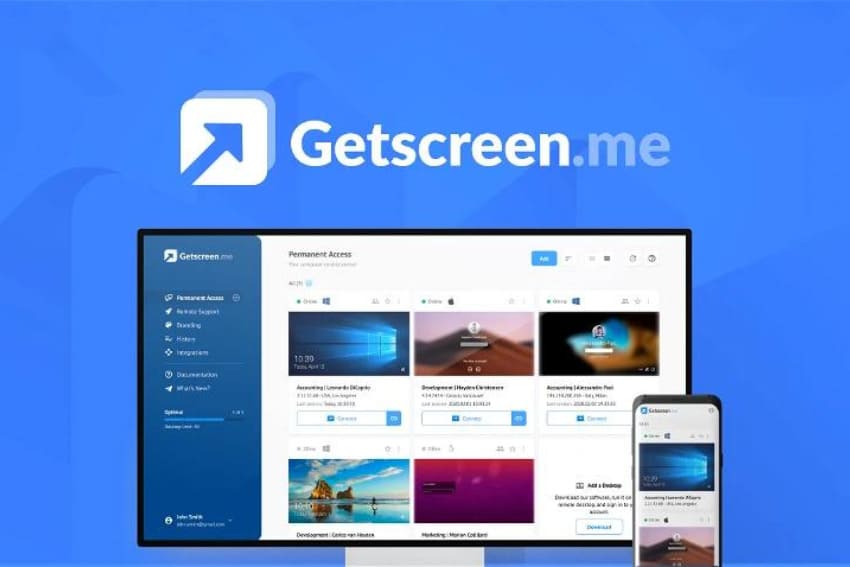
GetScreen is a cloud-based solution for remote access, providing a convenient way to connect to remote devices via a web browser.
Platforms: Windows, macOS, Linux
Pros:
— No installation required on the device.
— Cloud technology support.
— User-friendly interface.
Cons:
— Limited free version features.
— Internet connection dependency.
8. AeroAdmin
AeroAdmin is a lightweight and easy-to-use tool for remote control, requiring no installation or setup. It supports remote work with computers and servers.
Platforms: Windows
Pros:
— Simple to use.
— Quick setup.
— Free version available.
Cons:
— Limited functionality in the free version.
— Only supports Windows.
9. Iperius Remote
Iperius Remote is a remote access solution offering a broad range of features, including file management and multi-user support.
Platforms: Windows, macOS
Pros:
— Powerful management features.
— Multi-user support.
— Secure data transmission.
Cons:
— Paid version required for commercial use.
— Limited platform support.
10. RuDesktop
RuDesktop is a Russian-made solution for remote access, supporting various operating systems. It provides secure and convenient management of remote devices.
Platforms: Windows, macOS, Linux
Pros:
— Multi-platform support.
— High level of security.
— Easy to use.
Cons:
— Limited functionality in the free version.
— Internet connection dependency.
Choosing the right remote access application depends on many factors, including your usage needs, security requirements, and supported platforms. You can find a variety of remote connection solutions, including RDS/RDP CALs, in our catalog, suitable for both business and personal use.