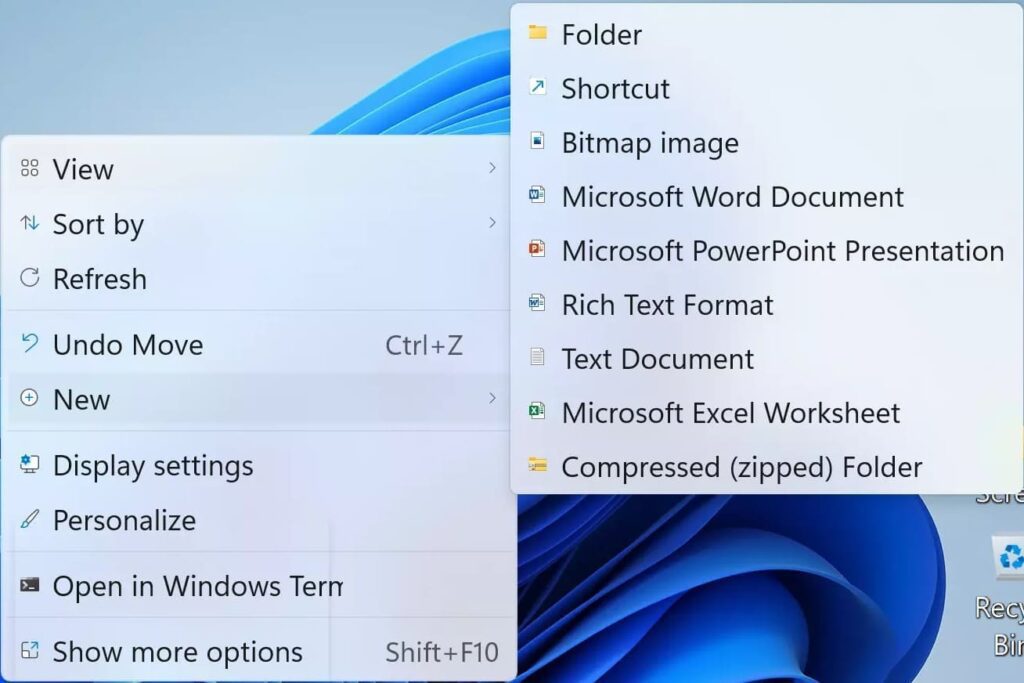

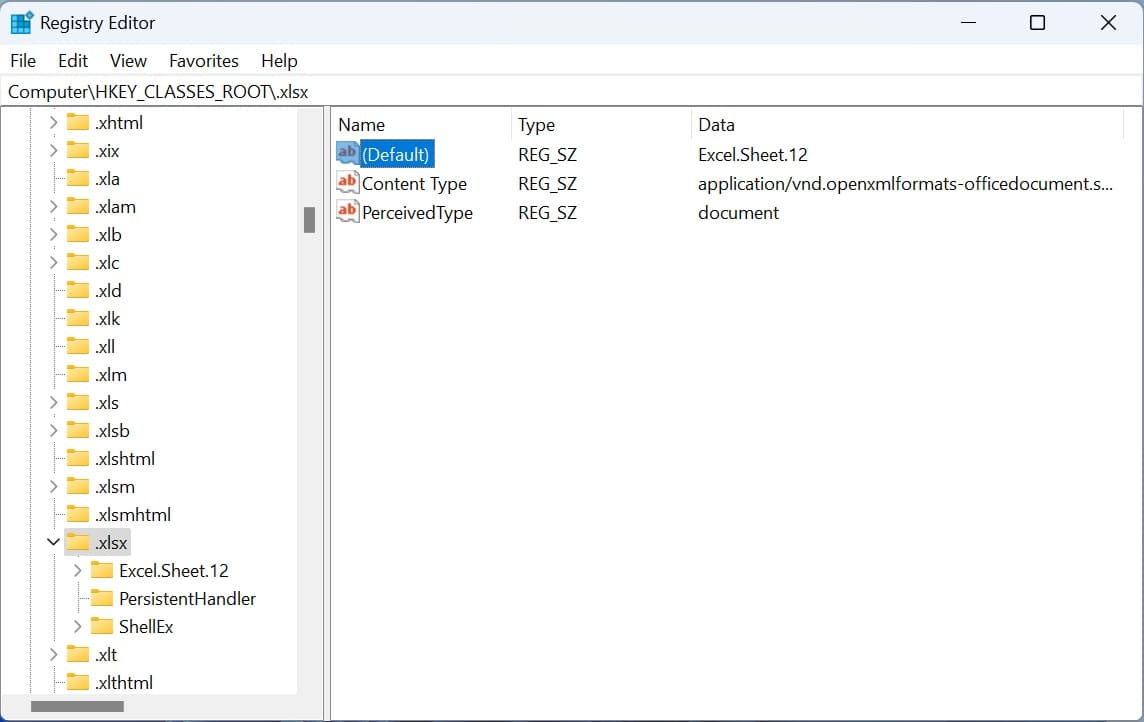
Let’s consider a case where Excel is missing after clicking the right mouse button and displaying the «New» context menu. In this case we need to edit the registry.
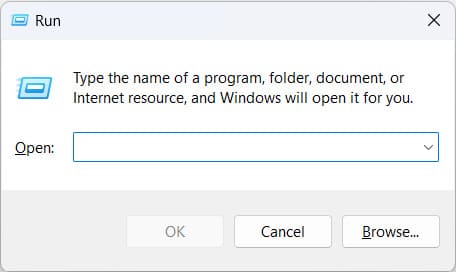
1) Press the hotkeys Win + R => Type regedit there.
2) Find the HKEY_CLASSES_ROOT\.xlsx branch in the registry => And change the default value of the file to Excel.Sheet.12 => Click «OK».
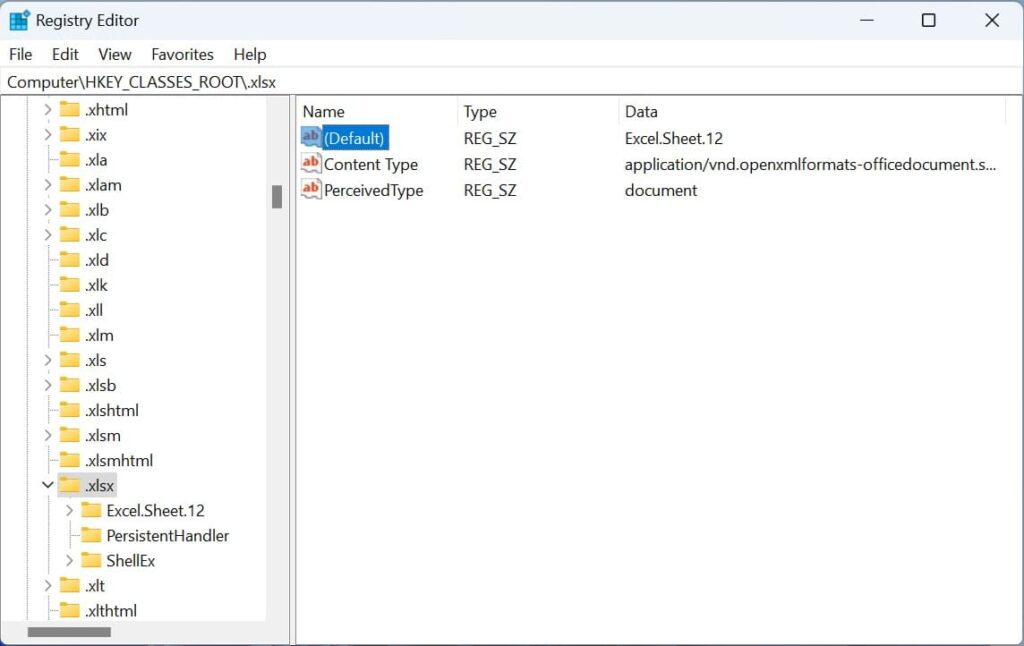
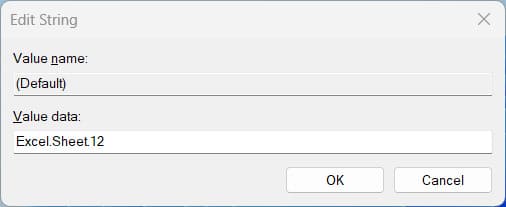
3) Now you can open the context menu and you will see Excel there.