
In this article, we will discuss the Windows activation error 0x80070426 and how to fix it.
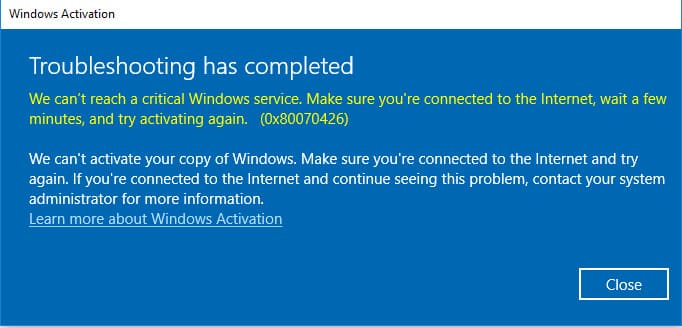
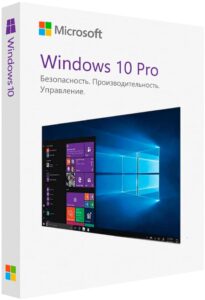
1) First, ensure that the product key you are trying to activate is original and matches your system version. You can purchase product keys for different versions of Windows 10 in our catalog. We also have product keys available for Windows 7.
2) Try activating your product key using the command prompt instead of the standard method by following the instructions.
3) If the error persists, temporarily disable any antivirus software and firewalls during activation.
4) Additionally, you can run a system check for errors and their resolution. Open the command prompt as an administrator and enter the following commands one by one:
Dism /Online /Cleanup-Image /CheckHealth
Dism /Online /Cleanup-Image /RestoreHealth
sfc /scannow