In this article, we will discuss solutions to resolve the activation issue in Windows 10 with error code 0xc004d302.
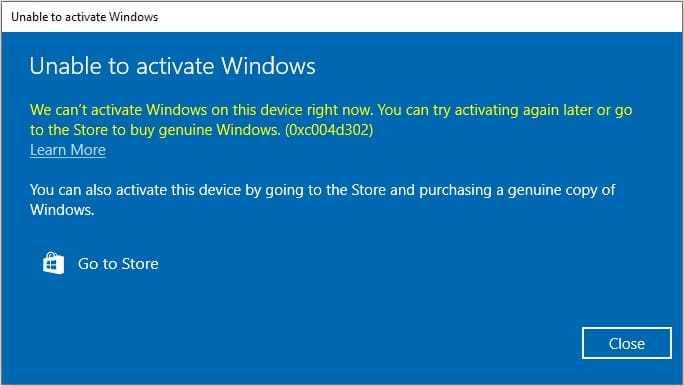
1) Try restarting your PC and attempting the activation again.
2) You can also try activating the system through the terminal with your product key using the following instructions.
3) If activation still doesn’t work, contact your license vendor. If you don’t have a valid Windows 10 product key, you can purchase one from our catalog at the lowest prices starting from 0 ₽. Instant delivery to your email. Guaranteed and round-the-clock technical support.