1000+ инструкций в блоге SoftComputers
0 0 голоса
Рейтинг

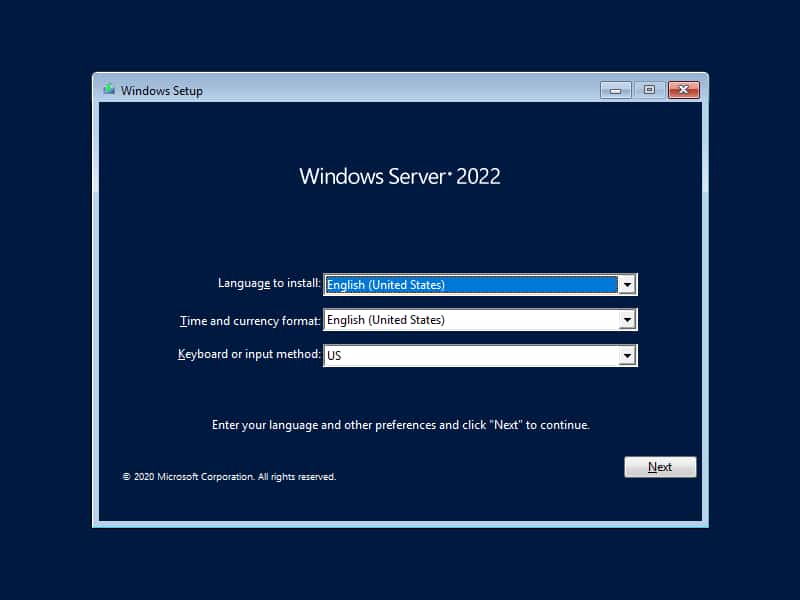
В конце января 2021 года вышла новая версия Windows Server 2022 в редакциях Standard и Datacenter, но пока только для тестирования «Insider Preview», т.е это ознакомительный дистрибутив, который доступен для всех желающих, которые хотят бесплатно протестировать новую версию Windows Server 2022 и ознакомиться с нововведениями системы.

Скачать Windows Server 2022 Вы можете как с официального сайта Microsoft, так и с нашего сервера.

Скачать с нашего сервера (RUS) (Build 20287)

MD5 — 16920C09FE9FD55486762D0306CF58B0
SHA-1 — 1820BB9EAD6A46E3A399564A011AFEA297BBA64B

Скачать с нашего сервера (ENG) (Build 20287)

MD5 — A6C3833D3B88A73DCA2B16CE89B0486E
SHA-1 — 97162758242C65AC568AAC8391A25EDB459A340D

Скачать с официального сайта Microsoft

Чтобы скачать с сайта Microsoft, Вам нужно перейти по ссылке: https://www.microsoft.com/en-us/software-download/windowsinsiderpreviewserver

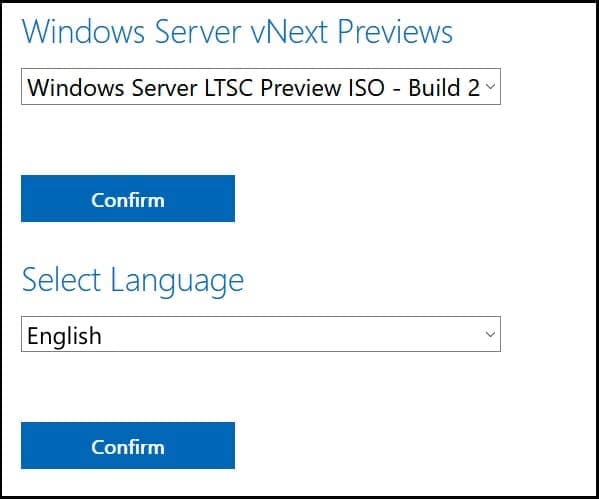
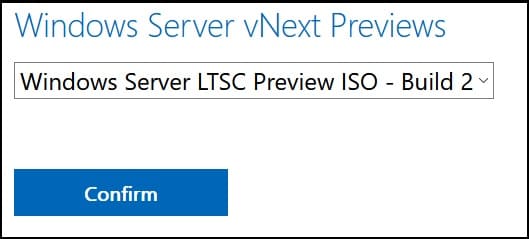
Авторизоваться там под Вашей учетной записью Microsoft, чтобы скачивание было доступно. Далее, в выпадающем меню выберите пункт «Windows Server LTSC Preview ISO», после нажмите на кнопку «Confirm».
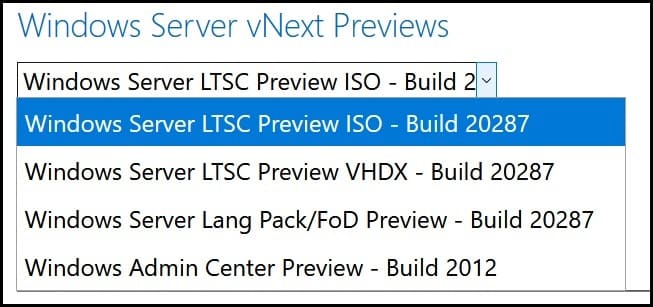
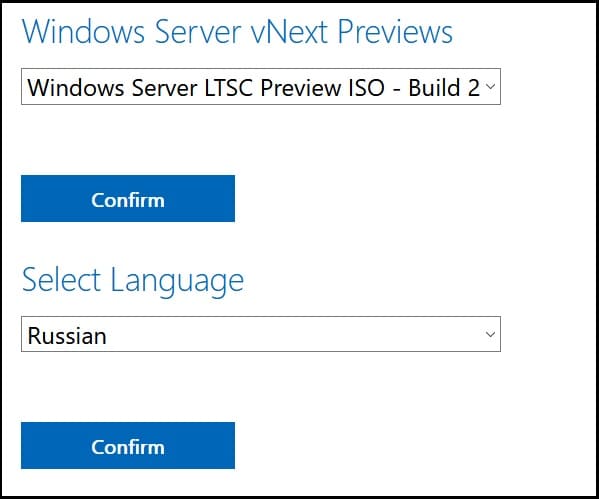
Далее снова в выпадающем меню выберите нужный Вам язык дистрибутива, и далее так же нажмите на кнопку «Confirm».
Теперь можете нажать на кнопку «Download Now», чтобы приступить к непосредственному скачиванию.
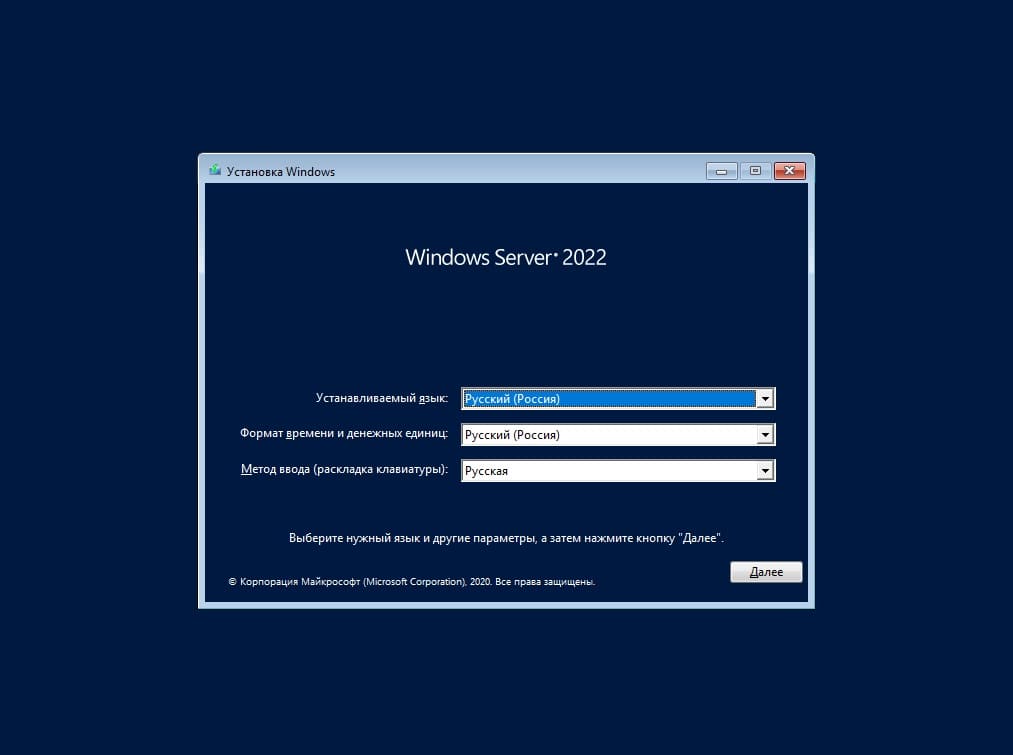
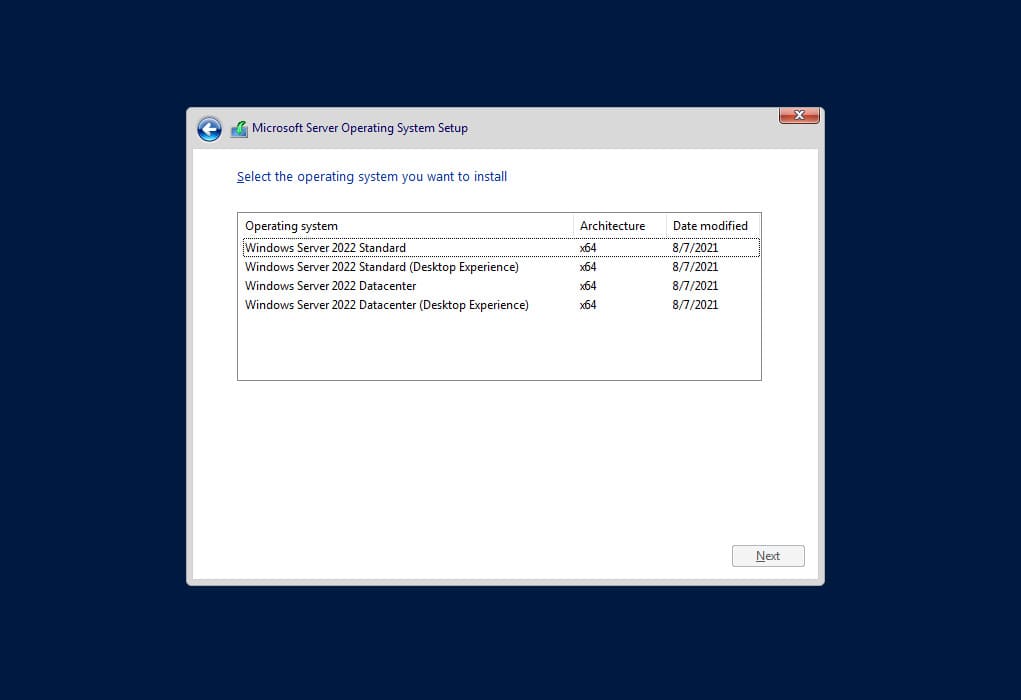
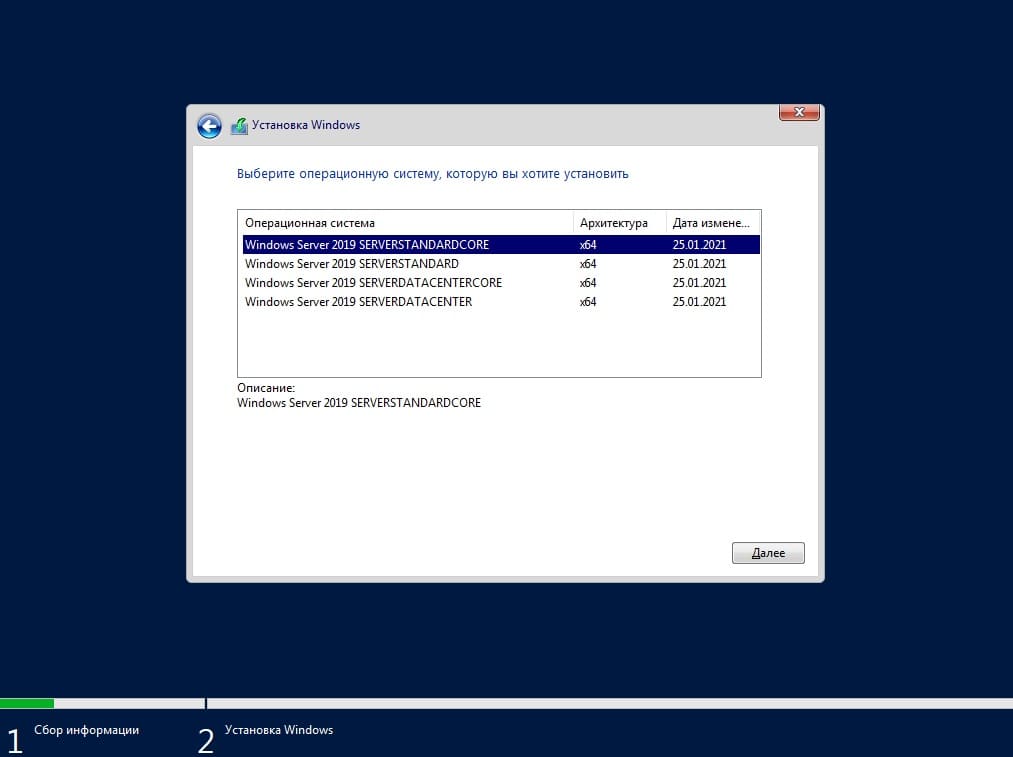
Установка возможна двух версий — Standard и Datacenter. Помимо всего, так же доступна установка системы без рабочего стола (Core).
author avatar
softadmin
banner for Windows Server 2022
Лицензионный ключ активации Windows Server 2022 от
2790 ₽ Купить
0 0 голоса
Рейтинг
Подписаться
Уведомить о
guest
2 комментариев
Новые
Старые
Межтекстовые Отзывы
Посмотреть все комментарии
Андрей
Андрей
4 лет назад
Рейтинг :
     

Всем привет. Когда ключи появятся в продаже?)

Blog
0 0 голоса
Рейтинг

At the end of January 2021, a new version of Windows Server 2022 was released in Standard and Datacenter editions, but only for testing purposes as «Insider Preview». This is a trial installer available to anyone interested in testing the new features of Windows Server 2022 for free.

You can download Windows Server 2022 from either the official Microsoft website or our server.

Download from our server (ENG) (Build 20287)
MD5 — A6C3833D3B88A73DCA2B16CE89B0486E
SHA-1 — 97162758242C65AC568AAC8391A25EDB459A340D

Download from the official Microsoft website
To download from the Microsoft website, you need to follow this link: https://www.microsoft.com/en-us/software-download/windowsinsiderpreviewserver

Log in with your Microsoft account to access the download. Then, select «Windows Server LTSC Preview ISO» from the dropdown menu and click «Confirm».

Next, choose your preferred language for the installer, and again click «Confirm».

Now, you can click «Download Now» to start the download process.

Installation is available in two versions — Standard and Datacenter. Additionally, installation without a desktop (Core) is also available.

Next, from the dropdown menu, choose your desired language for the installer, and then click «Confirm» again.

Now, you can click on the «Download Now» button to begin the download process.

Installation is available in two versions — Standard and Datacenter. Additionally, installation without a desktop (Core) is also available.

author avatar
copywriter
banner for Windows Server 2022
Лицензионный ключ активации Windows Server 2022 от
2790 ₽ Купить
0 0 голоса
Рейтинг
Подписаться
Уведомить о
guest
0 комментариев
Новые
Старые
Межтекстовые Отзывы
Посмотреть все комментарии