







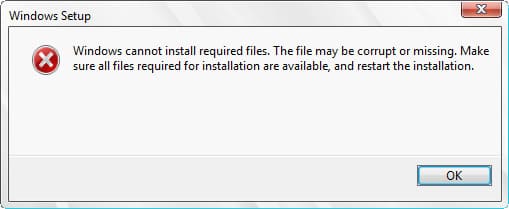
Let’s take a look at Windows installation error of any version when the following error happens: Windows cannot install the required files. The file may be corrupted or missing. Make sure all files required for installation are available, and restart the installation.
Problem solution:
1) First of all, it is recommended to use only original Windows installers to avoid any installation errors.
You can download licensed Windows installers of any version in our catalog on the next page.
2) To avoid any issues, it is recommended to install the system from Bios/UEFI on a bootable flash drive.
– You need to write the previously downloaded installer to the flash drive following to the instructions from our previous article.
3) Next, boot from Bios or UEFI to a boot flash drive and install the system.
Instructions for different versions of Windows:
– Windows 7 Installation guide
– Windows Server 2022 Installation guide
