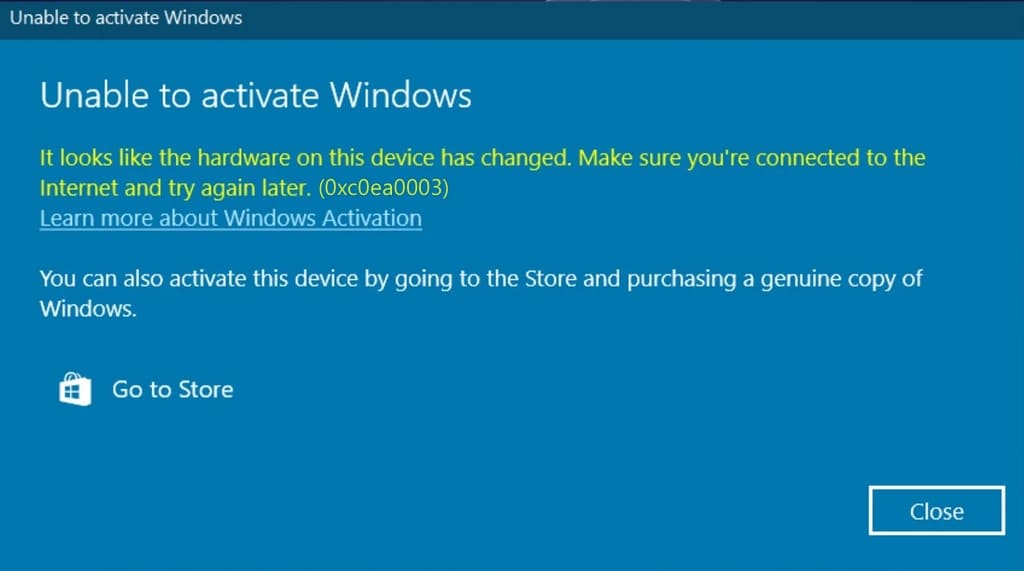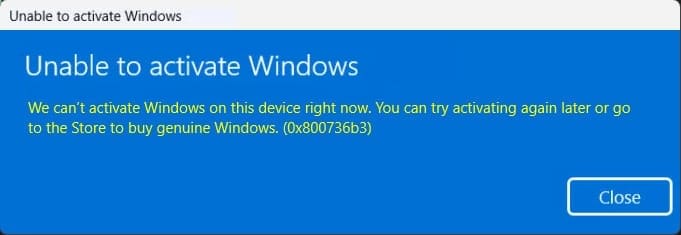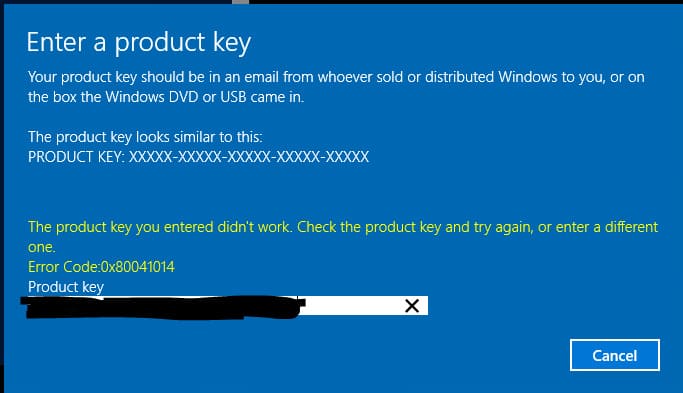
This article discusses the Windows activation error 0x80041014, its potential causes, and how to resolve it.
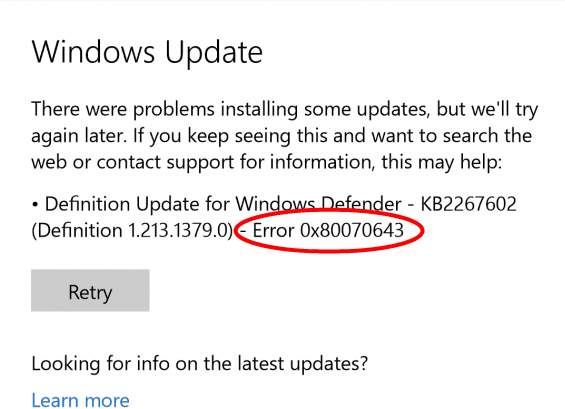
1) One possible cause of this error is an outdated version of Windows update. Download all available updates from the ‘Windows Update Center’ menu. After installation, restart your PC and attempt to activate your product key again.
2) Alternatively, follow the instructions provided to activate your product key through the command prompt.
3) If you encounter issues, contact your product key vendor for further assistance. If you do not have a licensed Windows product key, you can purchase one from our catalog at competitive prices. We offer instant delivery via email, along with guaranteed and 24/7 technical support.