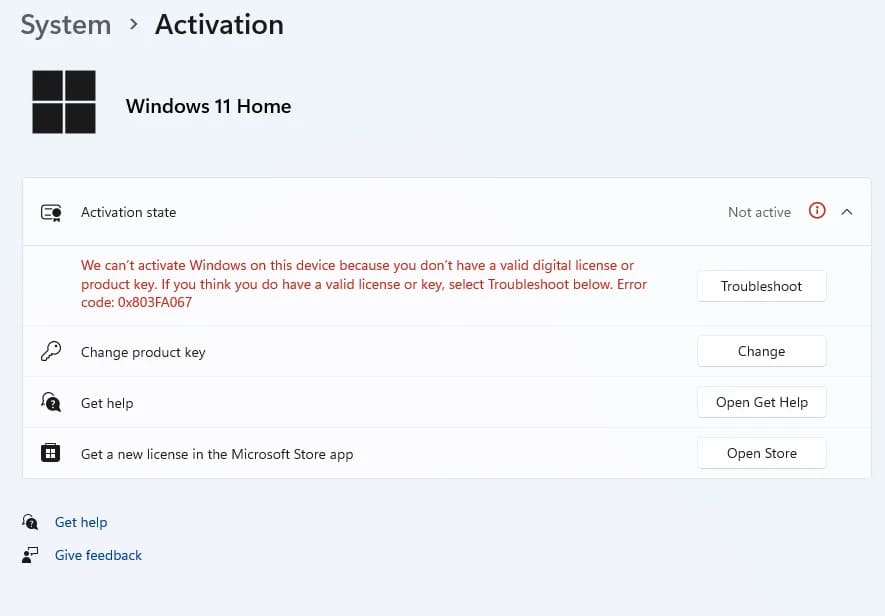
In this article, I will go through the step-by-step process of removing the key from Windows 11, in simple terms, how to deactivate Windows 11 if you need to perform this procedure for any reason.
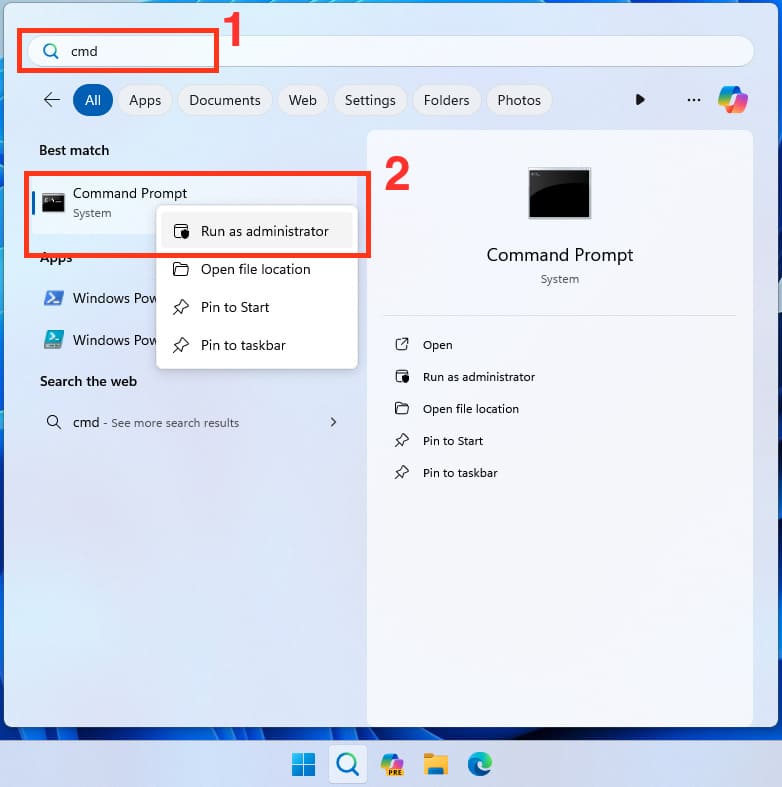
1) Open the Start menu => In the search bar, type CMD => Right-click on the result “Command Prompt” => Run as administrator.
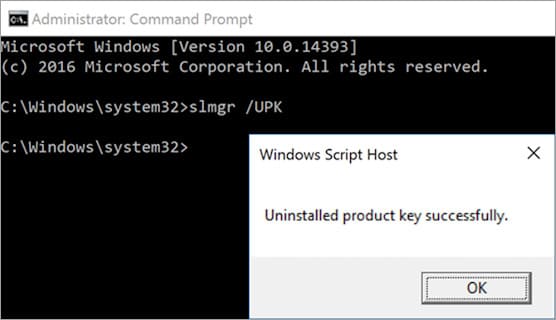
2) Enter the following command in the command prompt (terminal): slmgr /upk and press the Enter key on the keyboard. This command removes the key and deactivates the system.
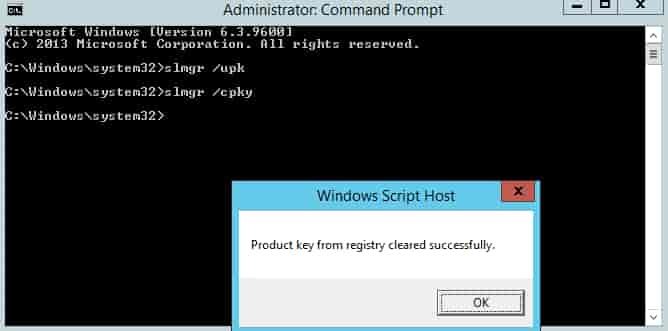
3) Next, enter the command: slmgr /cpky and press the Enter key on the keyboard. This command removes the key from the system registry.
4) All done! You can now check the activation status of your Windows 11, and the activation will be in “Not Active” mode.