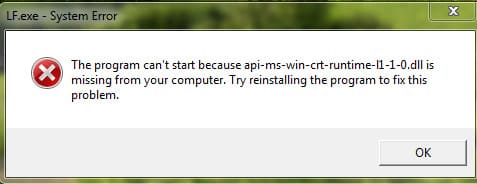
If you encounter an error message: “The program can’t start because api-ms-win-crt-runtime-l1-1-0.dll is missing from your computer. Try reinstalling the program to fix this problem.”

This error usually occurs on Windows 7 but may also appear on other versions of Windows. What caused this error?
This error indicates that the .dll file required by the Visual C++ runtime environment for applications using C++ is missing on your computer.
How to resolve this issue?
The only correct solution is to install the Visual C++ package.
Download the Visual C++ package, which includes all necessary versions of C++. Download (40 MB).
After downloading, you can restart your PC and check if the application that previously gave you the error launches correctly.