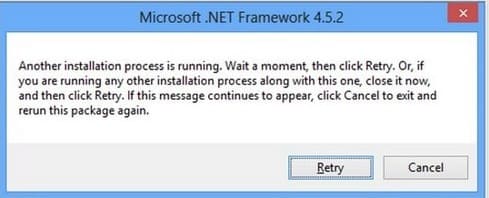
When you try to install or uninstall a program, you may receive an error with the following description:
Another installation process is running. Wait a moment, then click Retry. Or, if you are running any other installation process along with this one, close it now, and then click Retry. If this message continues to appear, click Cancel to exit and rerun this package again.
Solution:
The quickest and most effective way is to kill the msiexec.exe processes
– Search for CMD => Open as Administrator => Type the command: taskkill /F /IM msiexec.exe in the console (terminal).
Then click the “Retry” button in the error window, the error should disappear.