In this article, we will demonstrate with screenshots how to change the interface language in Windows 8.1 to any other language.
We strongly recommend using only original installers of Windows 8.1. You can download it from our catalog on the following page.
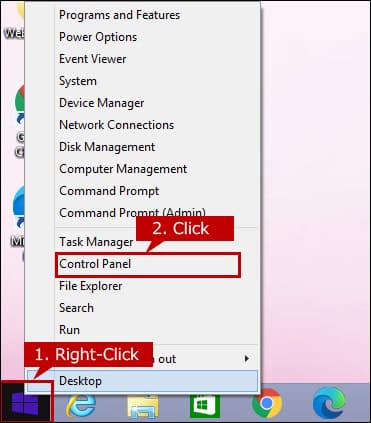
To start changing the interface language, right-click on the “Start” menu => Control Panel.
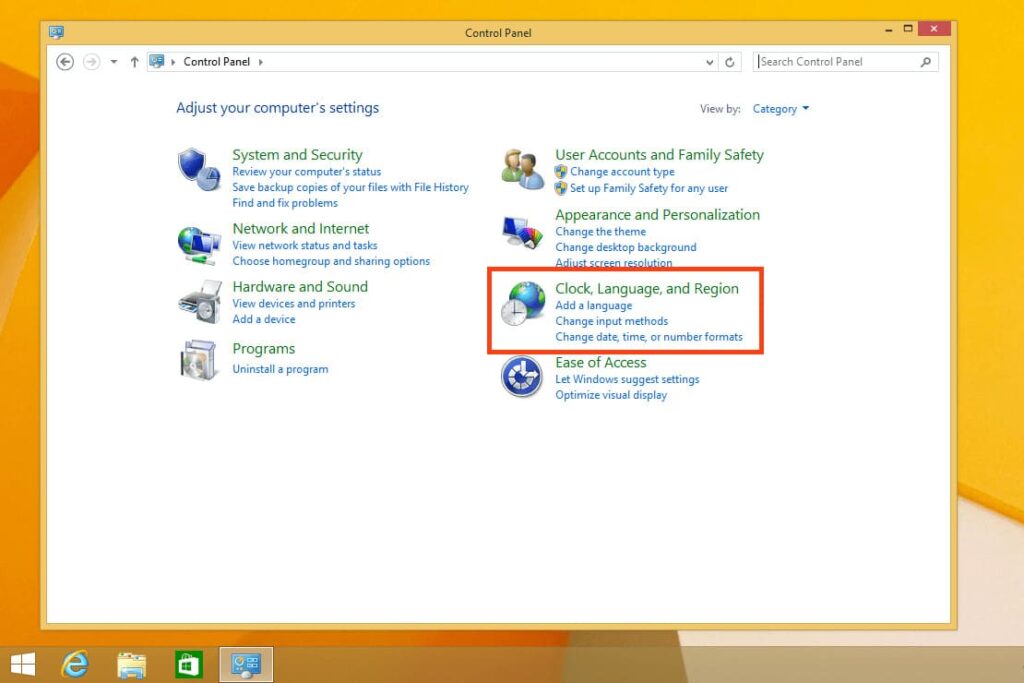
Go to the “Clock, Language, and Region” menu.
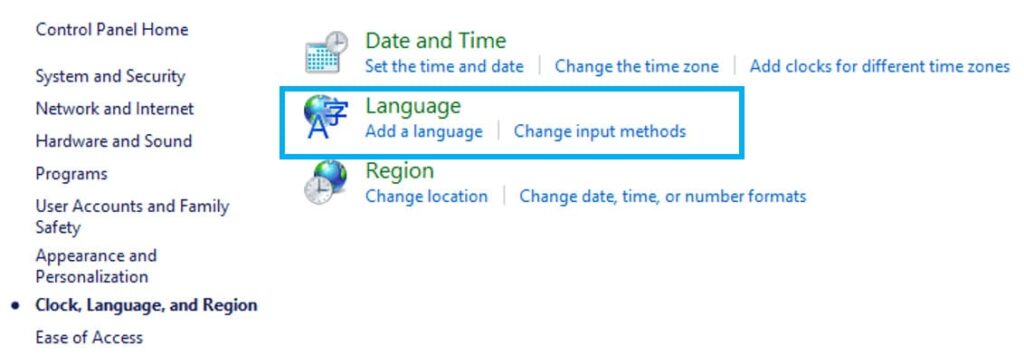
Next, go to the “Language” menu.
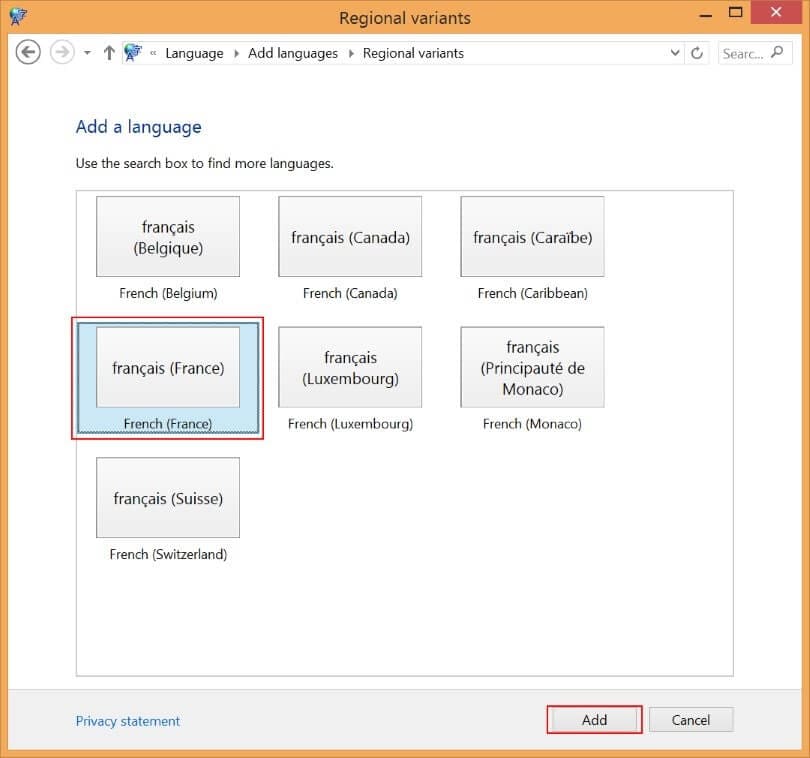
Click on “Add a language.”
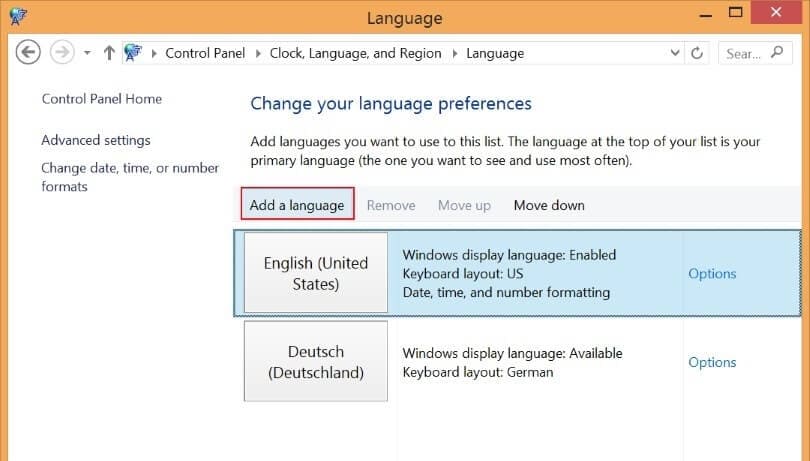
Now, from the list, you can choose the language you want. For example, if you have an English version of the system, you can choose French or any other language. Let’s choose French for example.
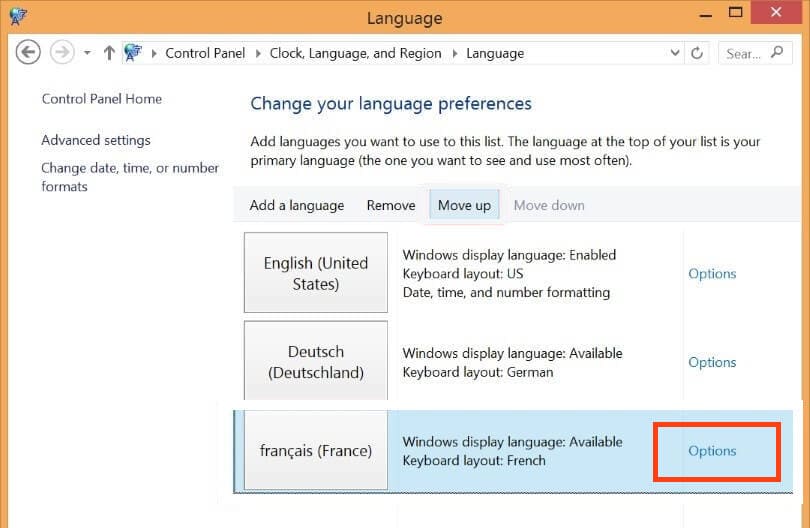
Now, we see it in the language list. Click on “Options.”
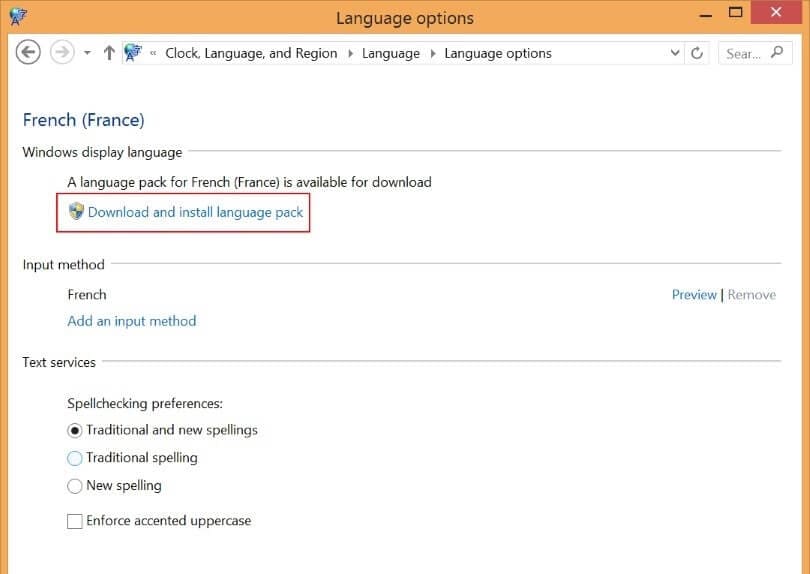
Proceed to download and install the language pack.
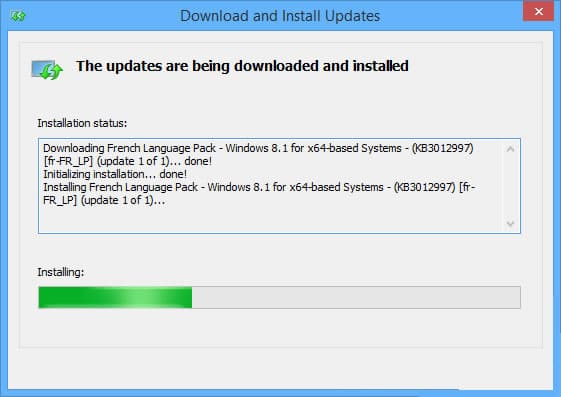
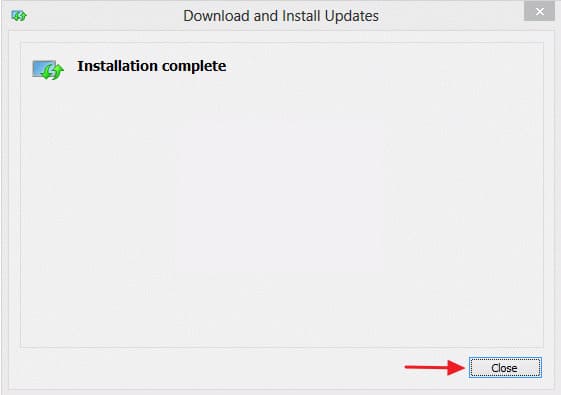
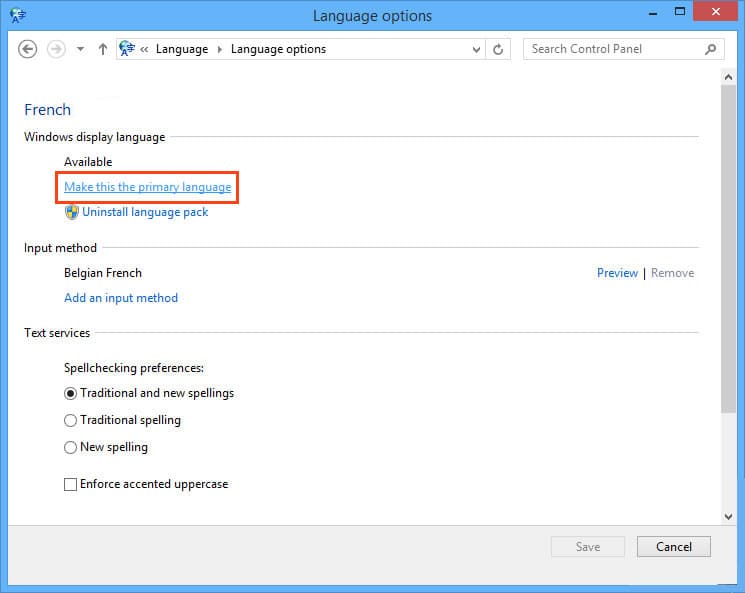
When the download and installation are complete, go back to the language “Options.”
Make this language the primary language and restart your PC to apply the changes.