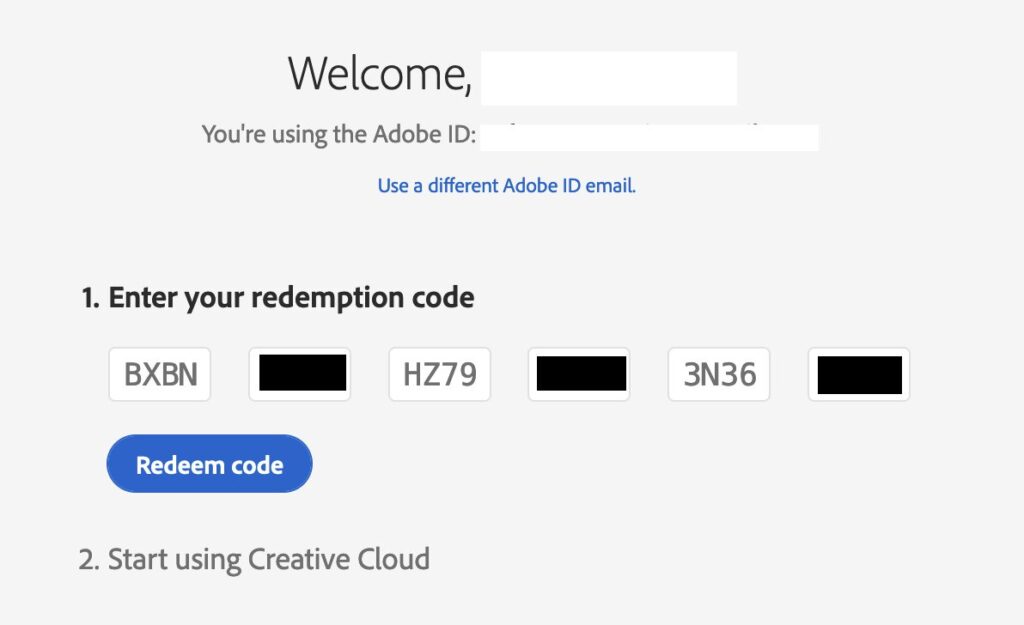
In this article, I’ll show you how to quickly create an account on the official Adobe website.
– Go to the website: adobe.com
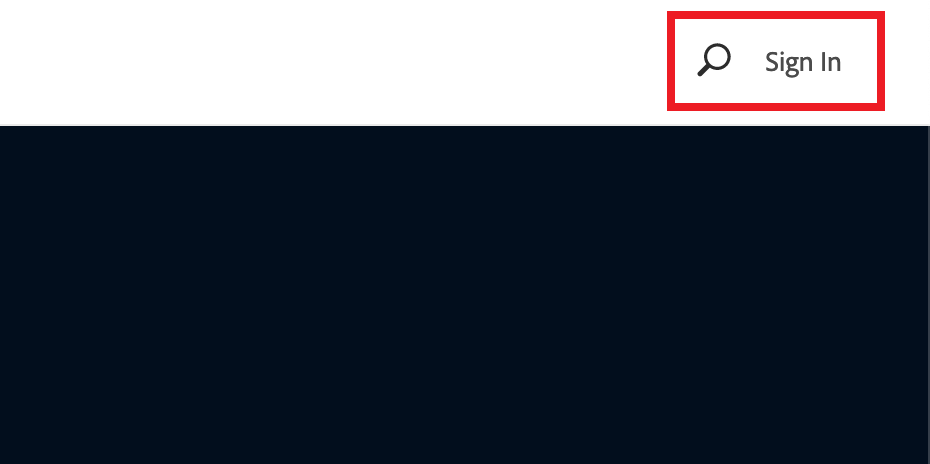
– Click the Sign in button in the top right corner.
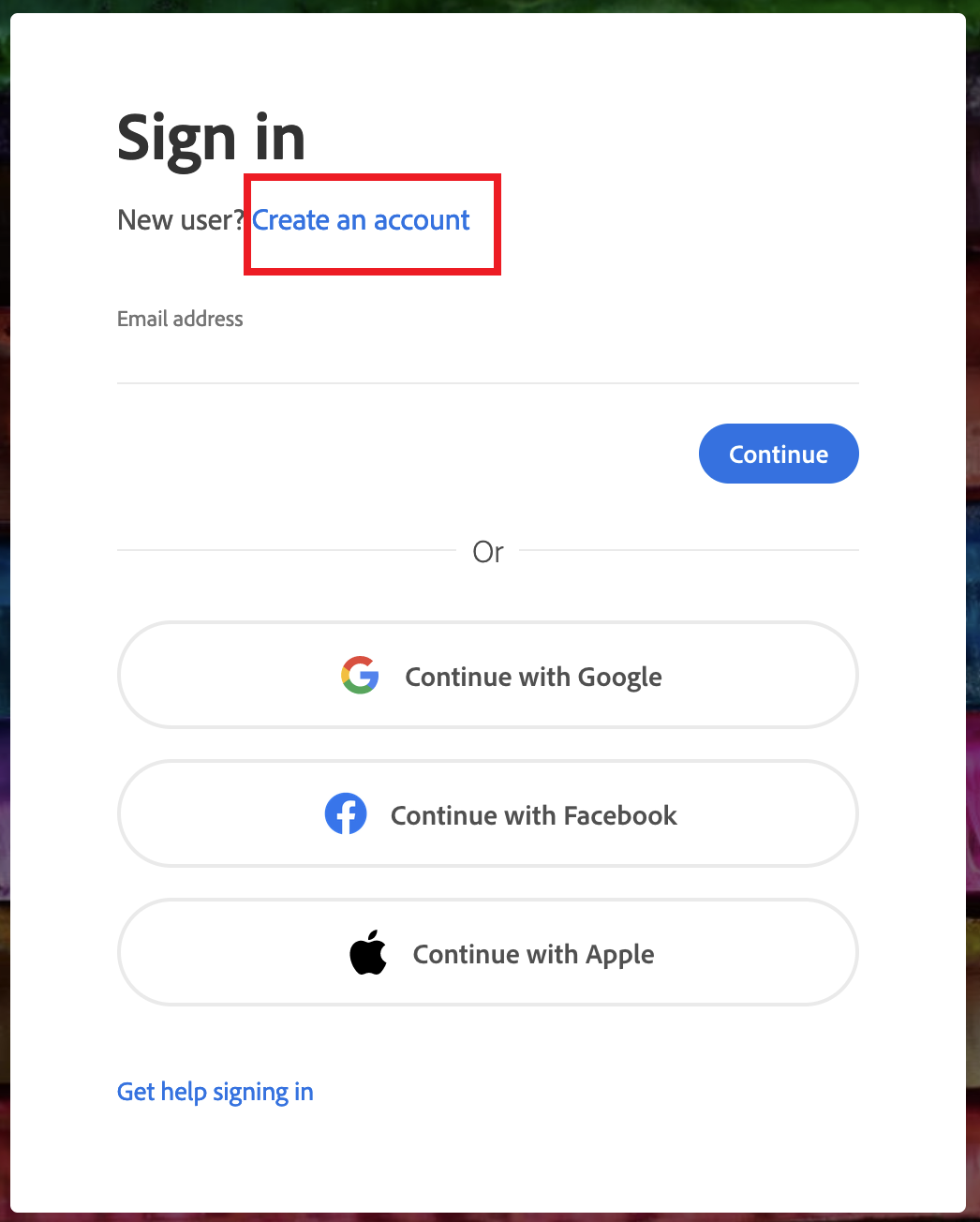
– As we need to create a new account, click on Create an account
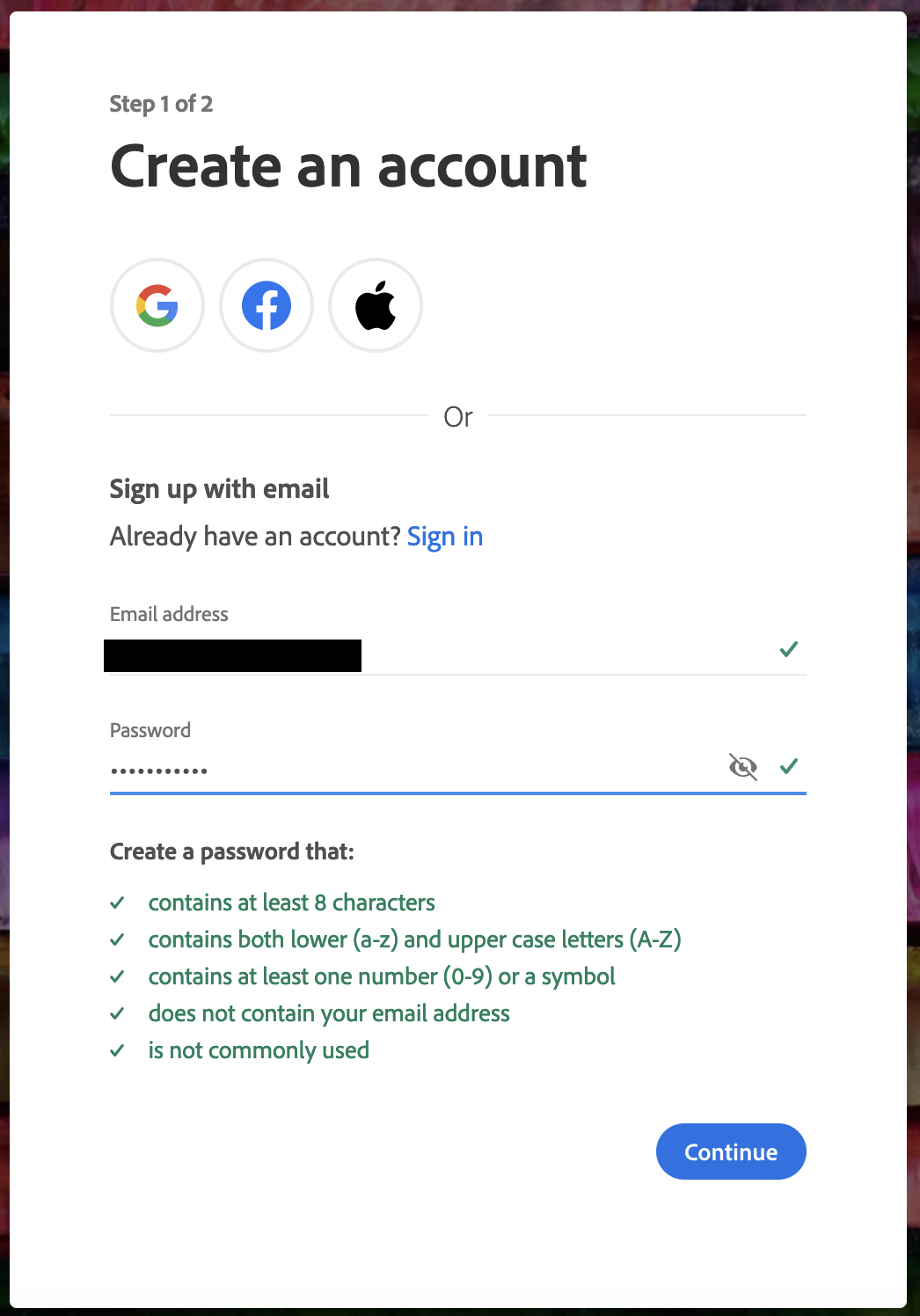
– The next step is to enter your real email (this is where you will be sent the confirmation link to create your account) and create a password. Then click Continue.
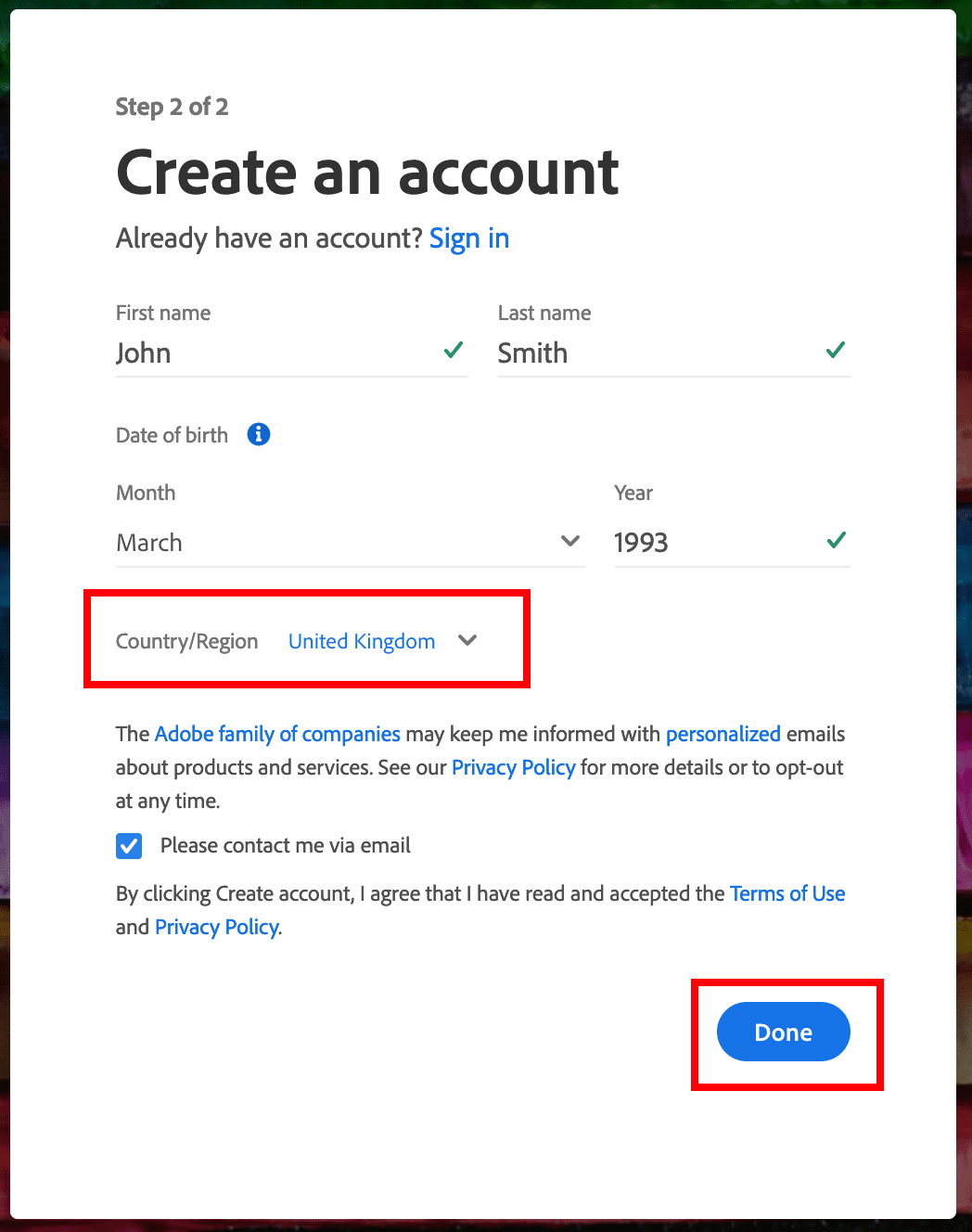
– You will then be asked to enter your details such as first name, surname, date of birth, etc. Then click on the ‘Done’ button.
You will then receive an email confirming your registration. Follow the link provided in the email and finish signing in.
That’s it, your account is created. Now you can use your account in Adobe applications and purchase licences. You can buy Adobe licences in our catalog starting from 0 ₽