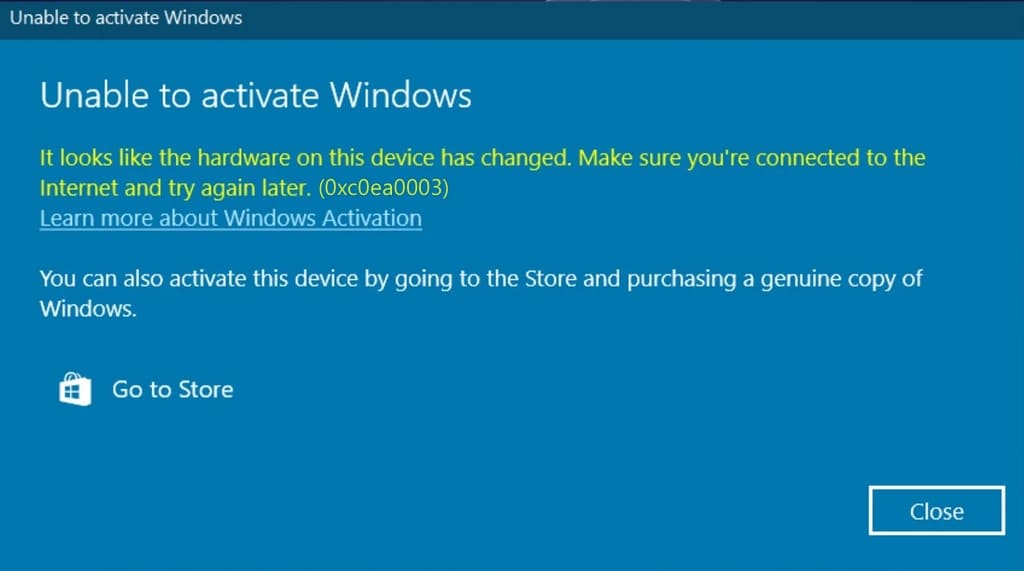
If you encounter error 0xc0ea0003 in Windows, follow these steps to resolve it:
Solution:
1. Try to activate Windows via the terminal:
– For Windows 10: activation instructions
– For Windows 11: activation instructions
2. Issue with the product key:
If terminal activation fails, the problem may be related to your product key. In this case, contact the seller from whom you purchased the key. If you do not have a genuine key, you can purchase one from our product catalog for Windows 10 and Windows 11.
By following these recommendations, you will be able to resolve the error 0xc0ea0003 in Windows.