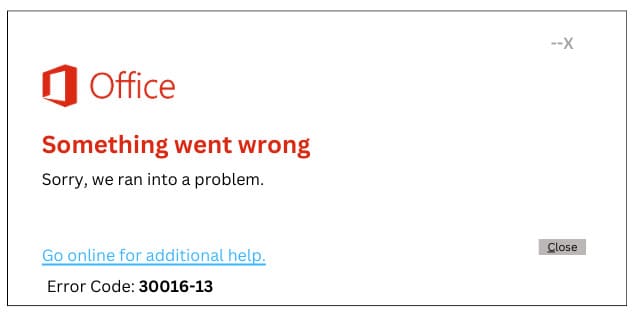
Let’s look at ways to fix error 30016-13 that occurs during Office installation, with the message: “Something went wrong
Sorry, we ran into a problem.”
To solve this problem, it is recommended to do the following:
1) Restart your computer and try to install Office again.
2) Use the official Microsoft tool — Microsoft Support and Recovery Assistant. Instructions for downloading and using this tool are available in our article: How to Download and Use Microsoft Support and Recovery Assistant.