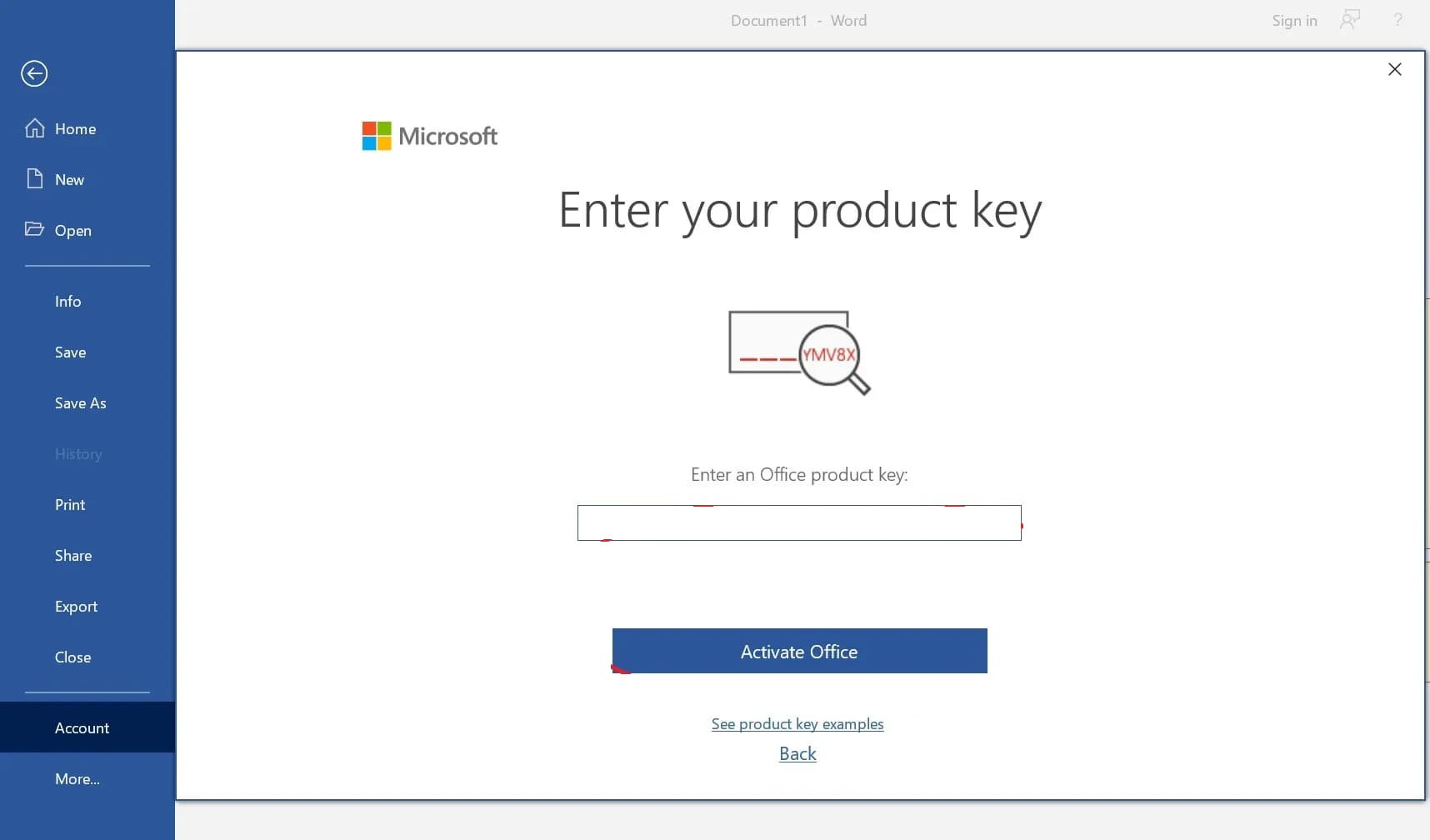
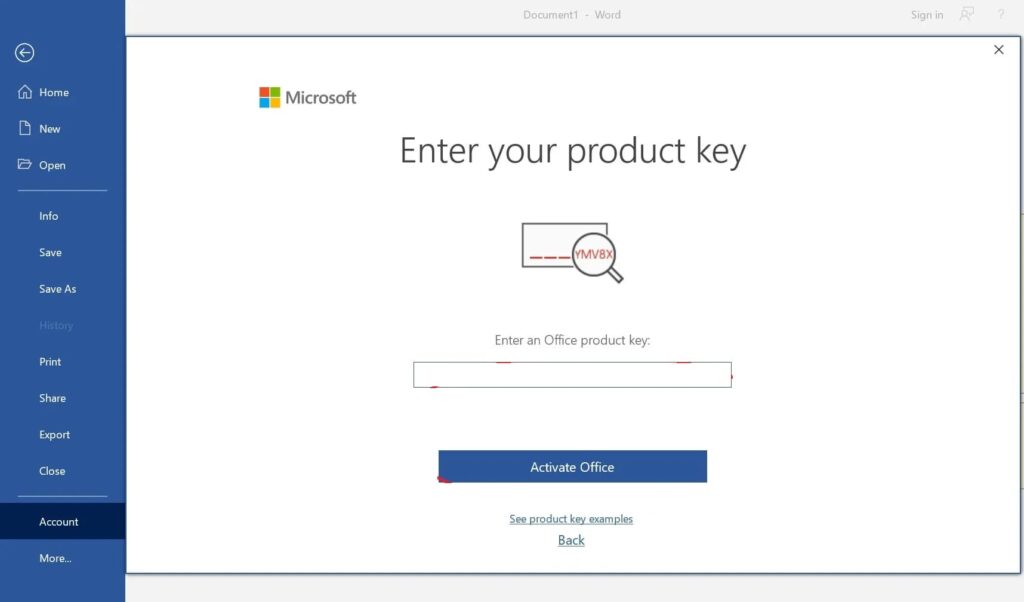
Sometimes it happens that after activating the Microsoft Office / Visio or Project application, a request for reactivation appears (a window for entering the product key appears), even though the application itself is activated.
Solution:
In this case, you need to try to remove the remnants of Microsoft Office from the registry, then use the official application from Microsoft to remove the remnants of Microsoft Office.
Try to use the following instructions.
Then reinstall the application. You can download the official installers of Microsoft Office or Visio / Project in our catalog.