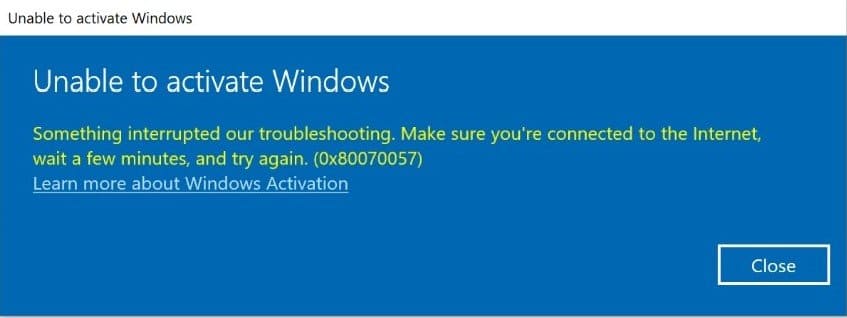
Sometimes, when activating Windows, you may encounter an error – 0x80070057. With the description: “Something interrupted the troubleshooting process. Make sure you’re connected to the internet, wait a few minutes, and try again.”.
Solution:
1) Restart your PC and try activating again.
2) Your antivirus might be blocking access to Microsoft servers. Try temporarily disabling it during activation.
3) Attempt activation via terminal with your product key and the following instructions.
4) If the above steps didn’t help, contact your product key seller. If you don’t have an original Windows product key, you can purchase one from our catalog. Product key delivery is instant, sent directly to your email.