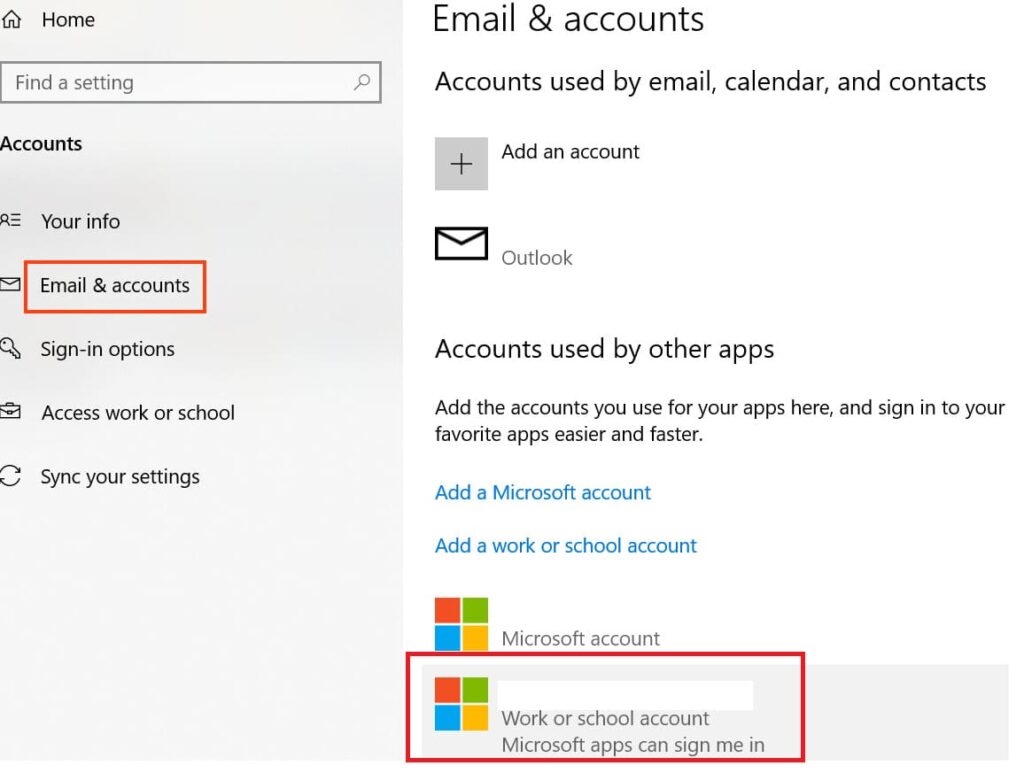
In this article, we will discuss how to remove a work account since in the “Email & accounts” menu, there is only a “Manage” button and no deletion option available.
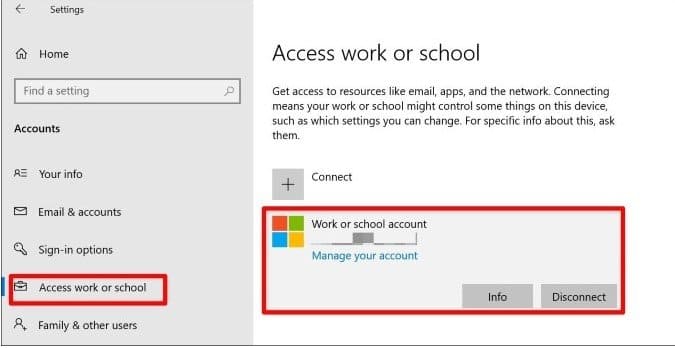
To remove the account, you need to go to the Start menu => Settings => Accounts => Access work or school. Then, click on the desired account and select “Disconnect.”