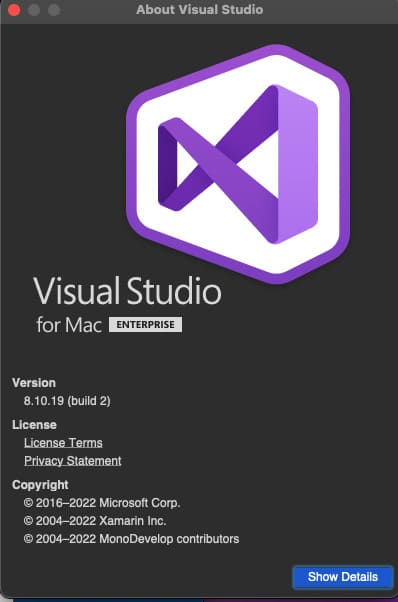
In this article, we will discuss the process of installing Microsoft Visual Studio for MacOS systems.
The first thing you need to do is to download the installer package.
– Download from the official Microsoft website
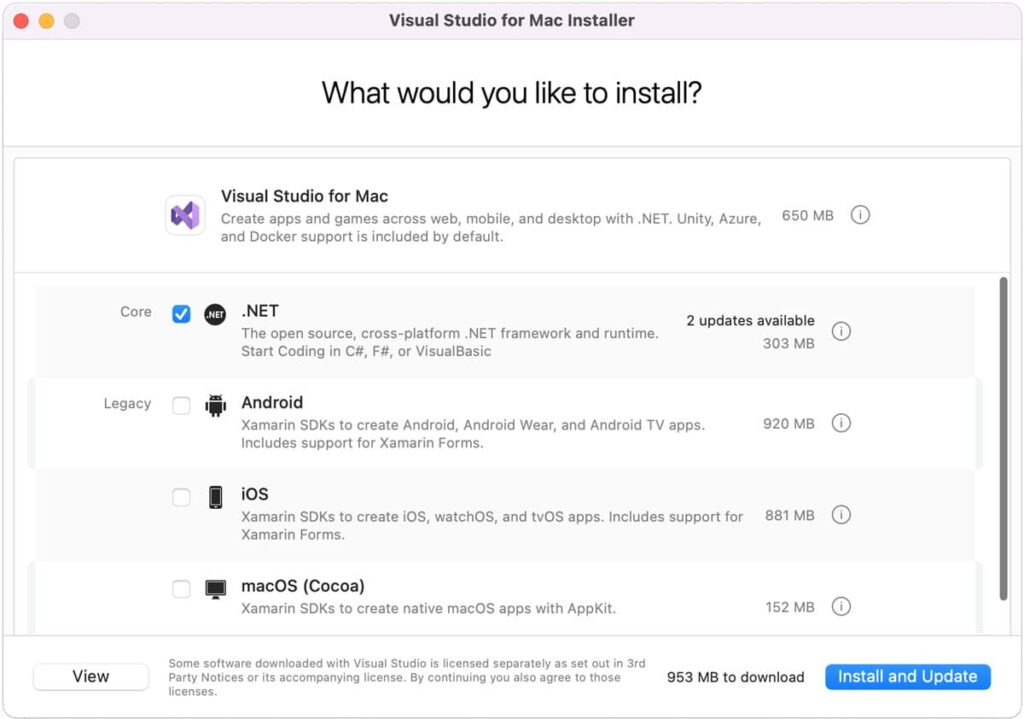
After downloading, run the installer package and select the necessary components for installation.
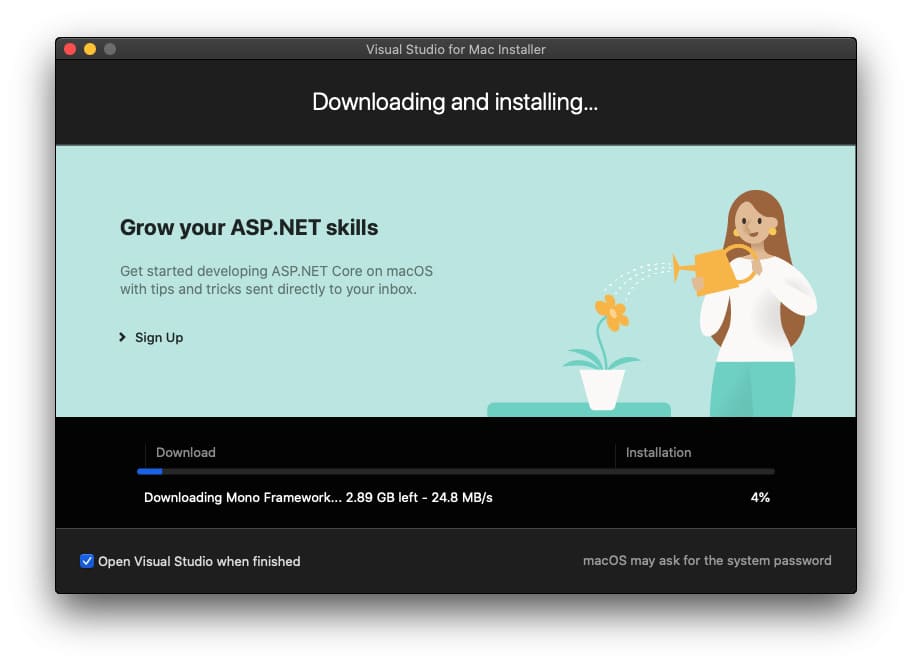
Now, wait for the process of downloading and installing components. This process may take a while, so please be patient.
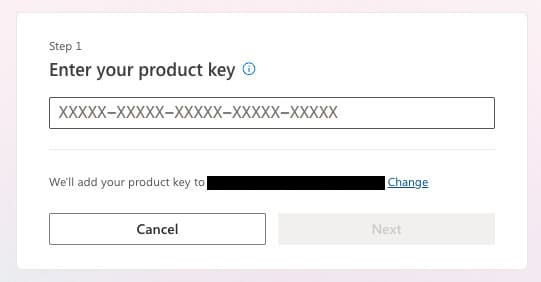
After the installation of the application, you will be prompted to sign in to your Microsoft account.

Your application is now installed.