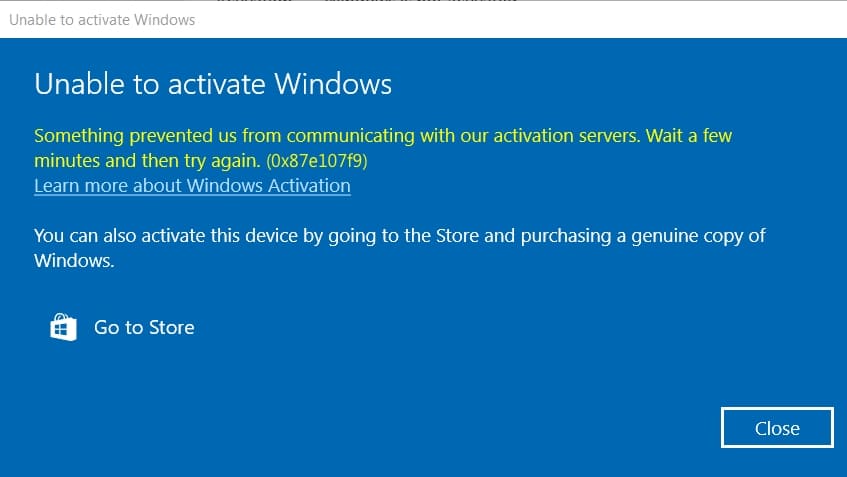
In this article, I am going to look at the Windows activation error 0x87e107f9. It can occur on both Windows 10 and Windows 11. The reason for this error is usually a connection problem with Microsoft servers or an incorrect product key.
How to fix it?
1) Use the instructions for terminal activation. For Windows 10 or with Windows 11.
2) If the first method does not work, contact your product key vendor, there may be a problem with it. If you do not have a license activation key, you can buy one in our catalog Windows 11, or Windows 10. Lowest prices from 0 ₽, instant delivery of the key to your e-mail immediately after payment. Warranty and 24/7 technical support.
For additional questions you can contact the support chat in the lower right corner of the window, or e-mail: admin@softcomputers.org.