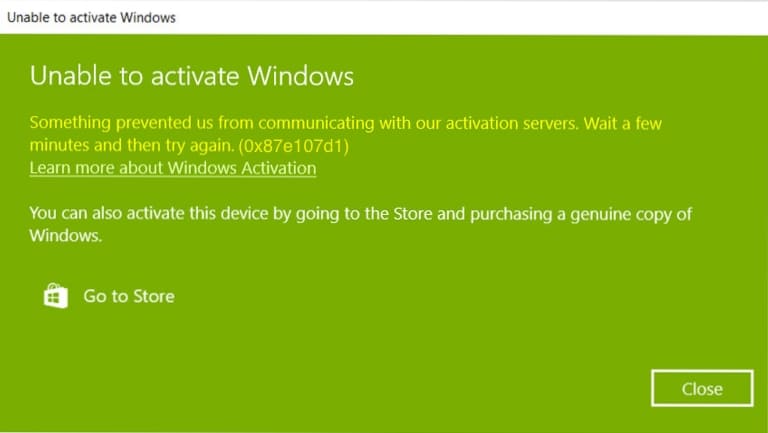
Let’s take a look at the Windows 10 and Windows 11 activation error – 0x87e107d1.
Based on the description of this error, we can understand that for some reason the system cannot contact the Microsoft server to check the validity of the product key.
1) Try to disable antivirus software and other firewalls during activation. Antivirus software can block or filter traffic, making it difficult to activate the system.
2) It is recommended that you try to activate from the command line.
3) If the system failed after activation through the terminal. You can try activation by phone – instructions.
4) If activation fails, contact your product key vendor. If you do not have a licensed product key. You can purchase it from our catalog –
Instant key delivery to your email. Guarantee and 24/7 technical support.