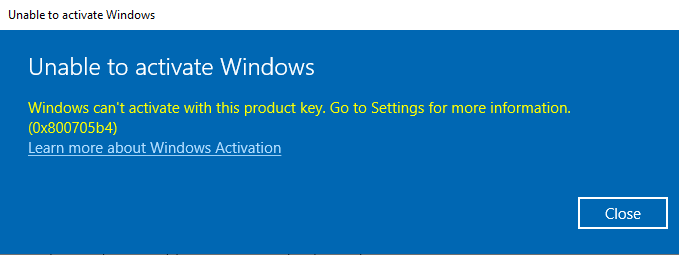
In this article I will look at an example of Windows activation error (all versions) with the code – 0x800705b4 and see how you can fix it.
1) Try disabling antivirus for the duration of system activation.
2) Accept and install all current updates.
3) Check that the time and date are set correctly on the system. Set the time and date to automatically synchronize with the Microsoft server.
4) If the above recommendations did not help, in this case perform Windows activation via phone, you can use the following instructions:
– Activate Windows 10 by phone
– Activate Windows 11 by phone
– Activate Windows Server by phone