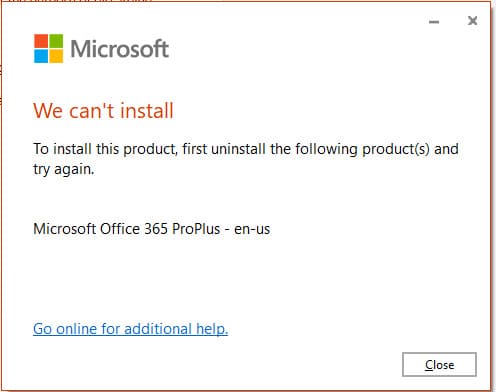
In this article I am going to look at Microsoft Office installation error, this error may be with this description: We cant install. To install this product first uninstall the following product(s) and try again.
As you can see from the error description, to install Office, you must first uninstall other installed versions of Microsoft Office. In the error example, you must uninstall
– Microsoft OneNote
– Microsoft 365
You may have other versions of the application, we only have one example. You can uninstall these applications from the “Add or Remove Programs” menu, which you can find by searching on the taskbar.
After uninstalling Office – reinstall a new application, the error should go away.