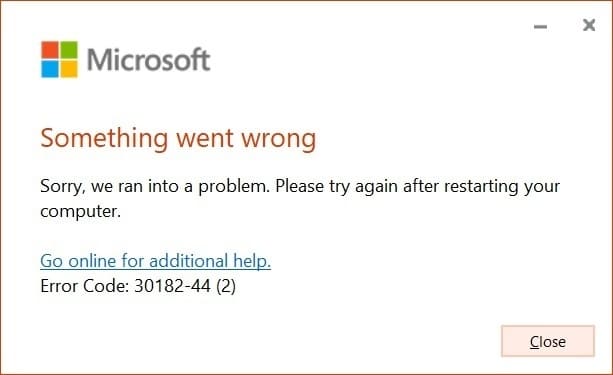
Let’s look at the 30182-44 error and see how to fix it.
This error occurs during the installation of Microsoft Office or Visio, Project applications. The universal way to fix the error is to use the official Microsoft tool Microsoft Support and Recovery Assistant
1) Use the instructions.
2) Then reinstall Microsoft Office or Visio/Project
That’s all, the error should disappear. If you have any further questions, please contact us at admin@softcomputers.org.