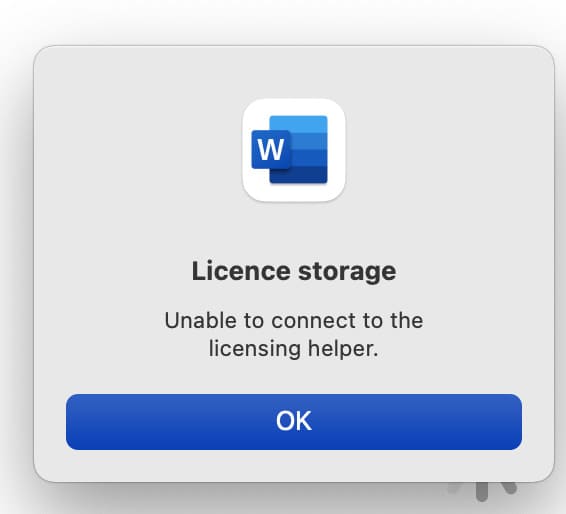
Let’s take a look at the Microsoft Office activation error on Mac. If you receive the following error: Unable to connect to the licensing helper.
Solution to the problem:
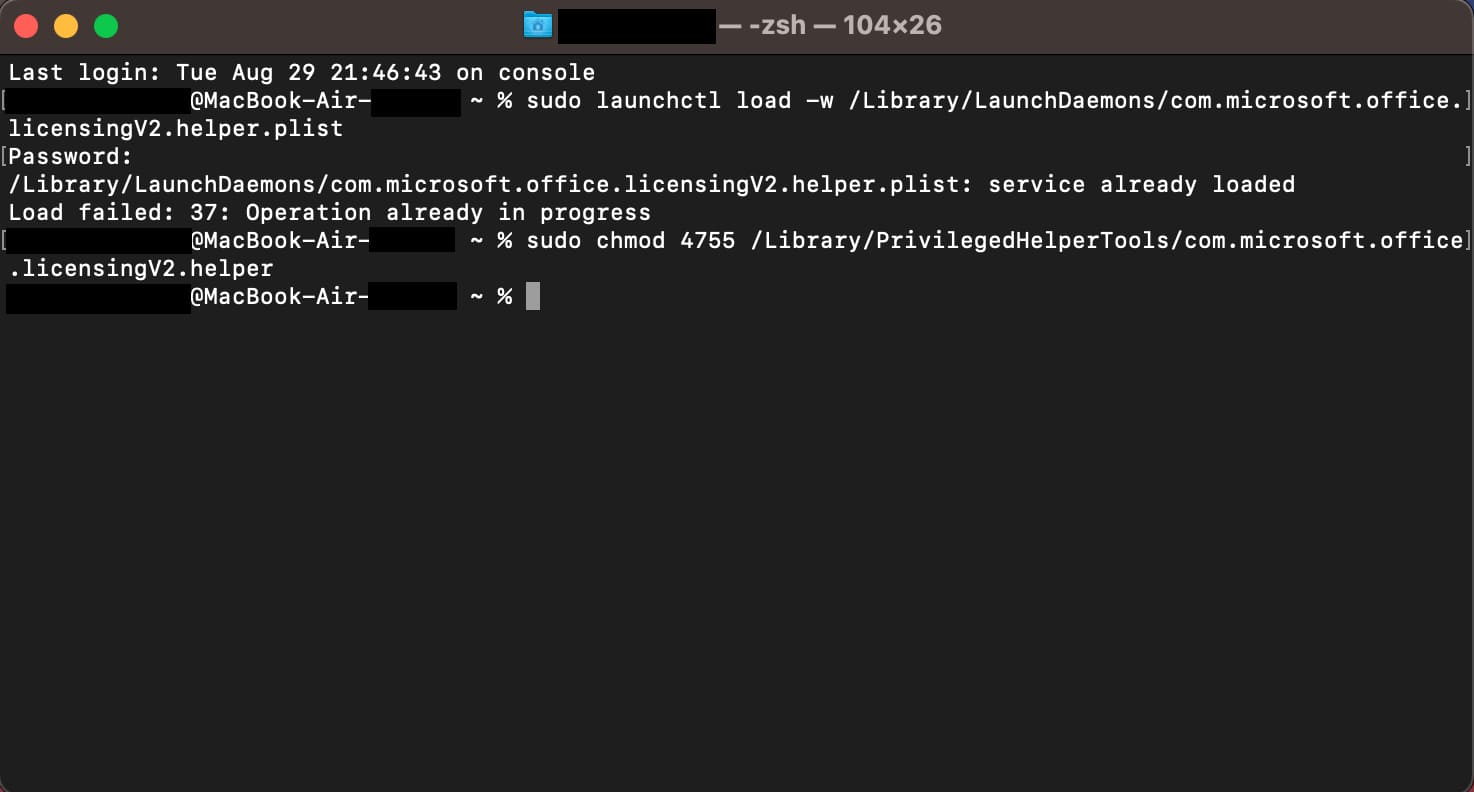
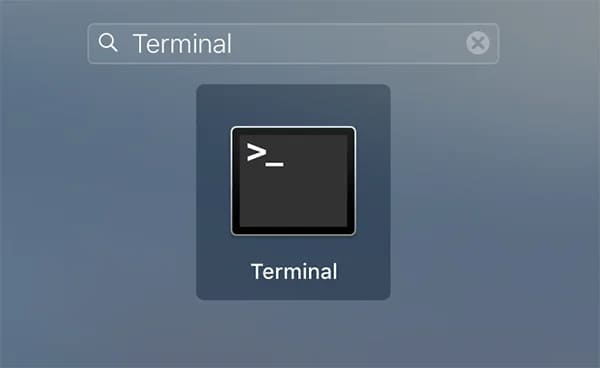
1) Open Terminal. Launchpad menu => Search for Terminal
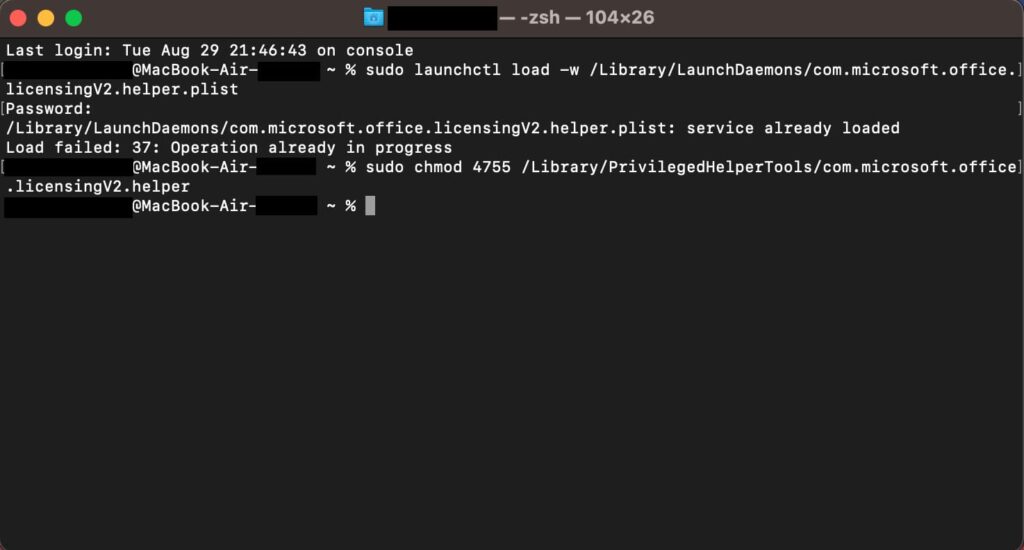
2) Enter the following commands one by one into the terminal:
sudo launchctl load -w /Library/LaunchDaemons/com.microsoft.office.licensingV2.helper.plist
If prompted for the account password, enter the password and press Enter. Next, enter the second command:
sudo chmod 4755 /Library/PrivilegedHelperTools/com.microsoft.office.licensingV2.helper
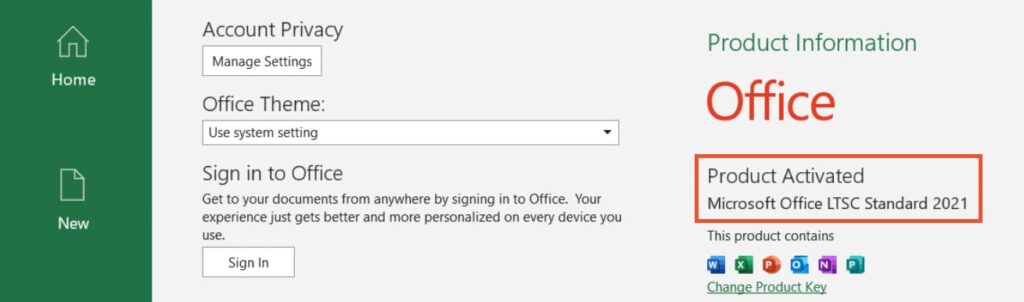
3) From the Launchpad menu, open any Office application, such as Word. Click the “Sign In” button on the left and authorize using the Microsoft account that you used to activate your product key.
You should be able to activate the application by simply logging in.