In this article i will quickly explain how to easily upgrade Windows 10 Home to Windows 10 Pro with a product key.
1) The first thing you will need is the product key for Windows 10 Pro which will be able to automatically upgrade your Windows 10 Home to the Pro version. You can buy the product key in our catalog:
Windows 10 Pro – 0 ₽
Delivery is instant in automatic mode to your email.
2) When you have the product key. You can go to System Properties => Windows Activation.
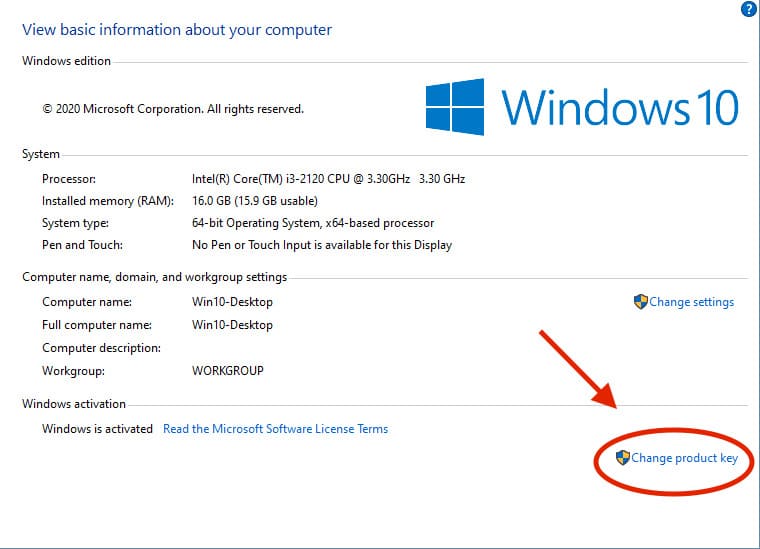
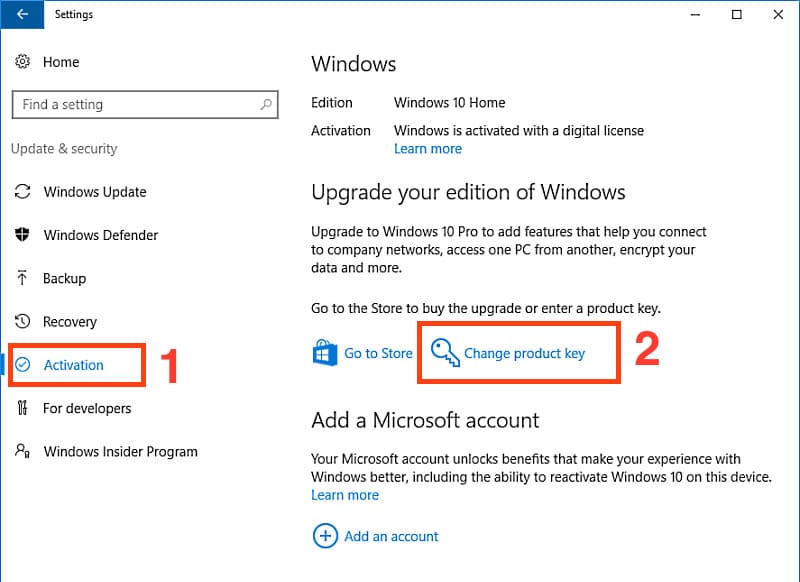
– Activation => Change product key
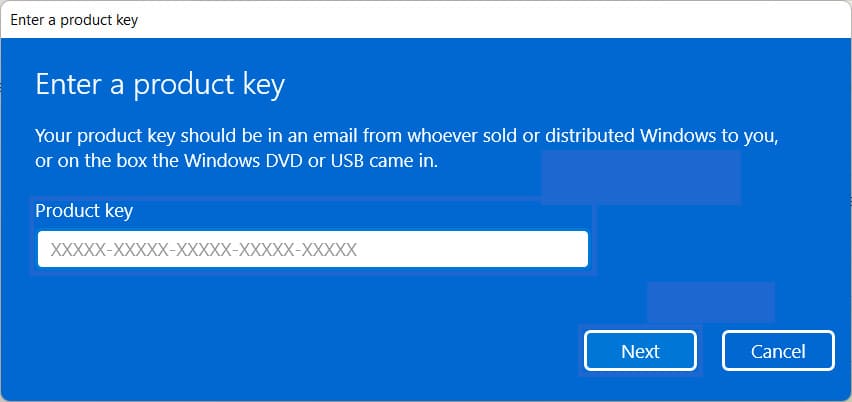
– Afterwards enter your product key.
– Wait for the OS to update it may take some time about 3-5 minutes.
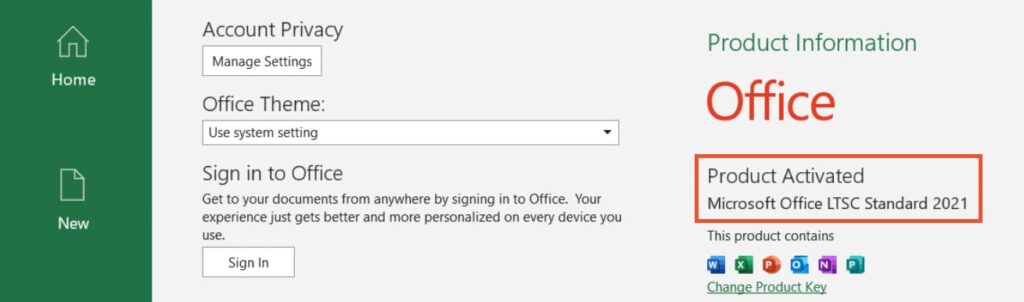
3) After the upgrade is complete check your Windows version. It should show Windows 10 Pro linked to your personal Microsoft account.
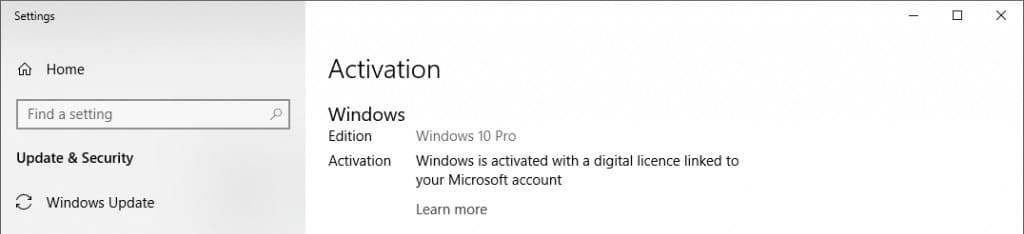
As a result the update is complete!